The Dashboard Questions Most Project Managers Actually Ask
Not "what does our data look like." More like: who's overloaded, what's late, and can I show this to a client without cleaning it up first.
Choosing the right project management tool is crucial for team efficiency, collaboration, and meeting deadlines. In 2025, the landscape of project management software continues to evolve, offering features ranging from task tracking and automation to analytics and team communication. This guide explores the essential criteria for selecting the best project management tools and highlights how Workflo can help streamline team workflows.

Understanding your team’s requirements is the first step:

Effective collaboration drives project success:

Task management is the core of any project management tool:

Seamless integration ensures productivity across apps:

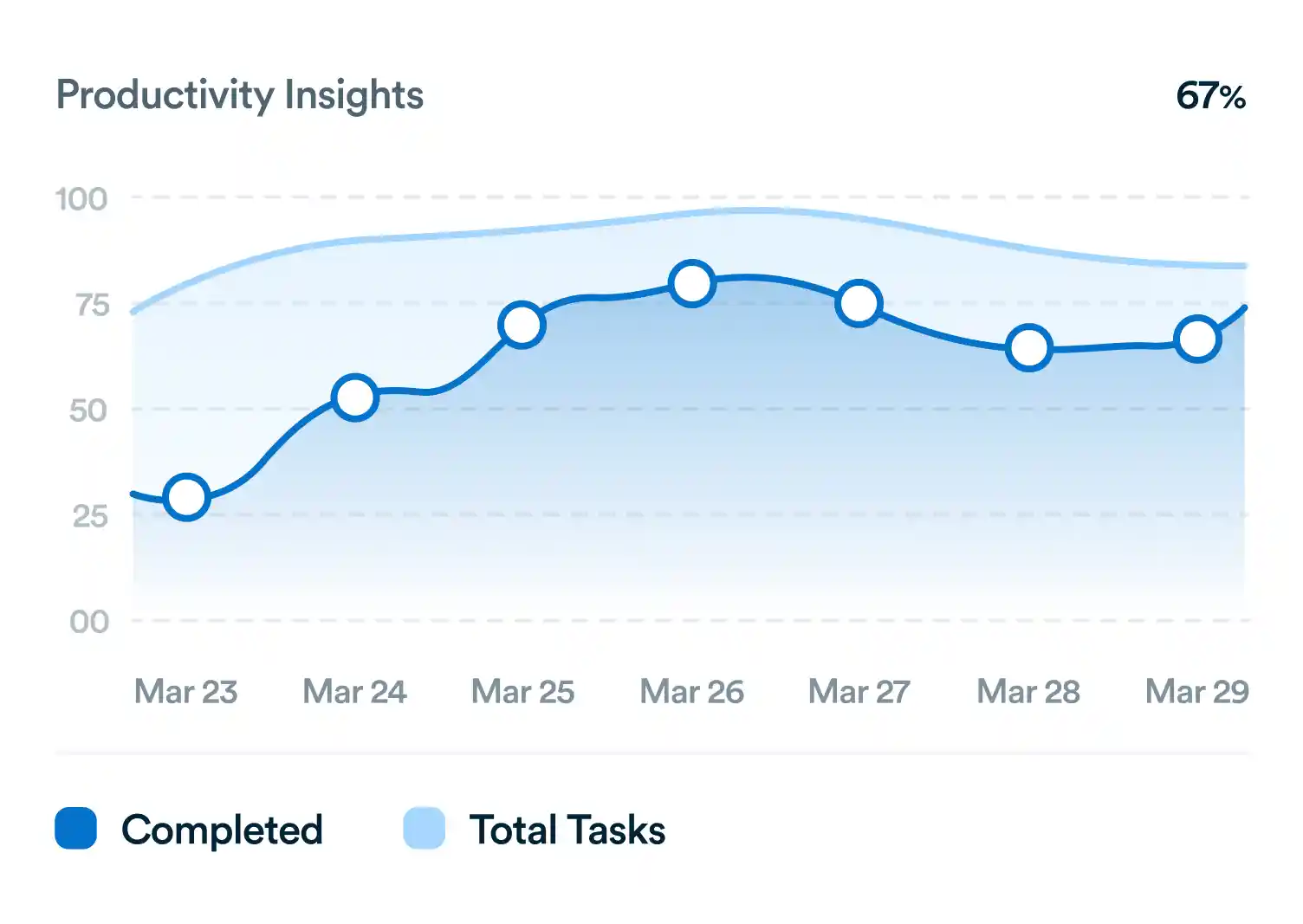
Data-driven decisions improve project outcomes:

A user-friendly tool ensures adoption:

Cost-effectiveness is important for long-term use:

Protecting sensitive project data is critical:

Trial periods help ensure the tool fits your workflow:

After thorough evaluation, choose the tool that best meets your team’s needs:

Selecting the best project management tool involves analyzing team needs, collaboration, task management, integrations, analytics, usability, pricing, security, and piloting options. Workflo provides a comprehensive solution that integrates these features, enhancing team efficiency, project visibility, and productivity in 2025. By following this definitive guide, teams can make informed choices and streamline workflows for optimal project success.
Not "what does our data look like." More like: who's overloaded, what's late, and can I show this to a client without cleaning it up first.
Introduction Choosing the right project management tool is critical for team productivity, collaboration, and successful project delivery. In 2025, there […]
Introduction Maintaining alignment and productivity in a team is one of the most critical aspects of successful project management. Misalignment […]
Organize tasks, collaborate with your team, and track progress, all in one place.