
The everything app for work, on mobile.
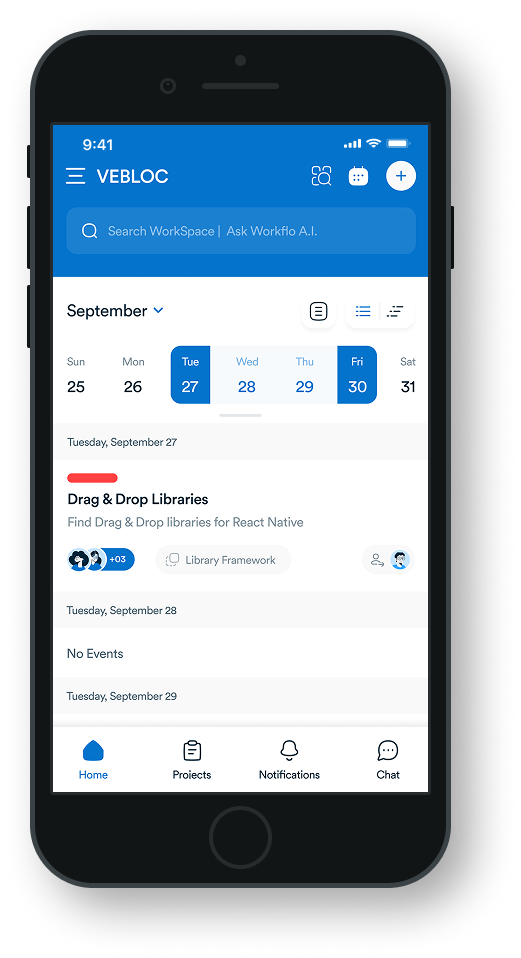
Manage tasks, share updates, and keep projects fully on track wherever you are. All right from your phone.
Work from anywhere
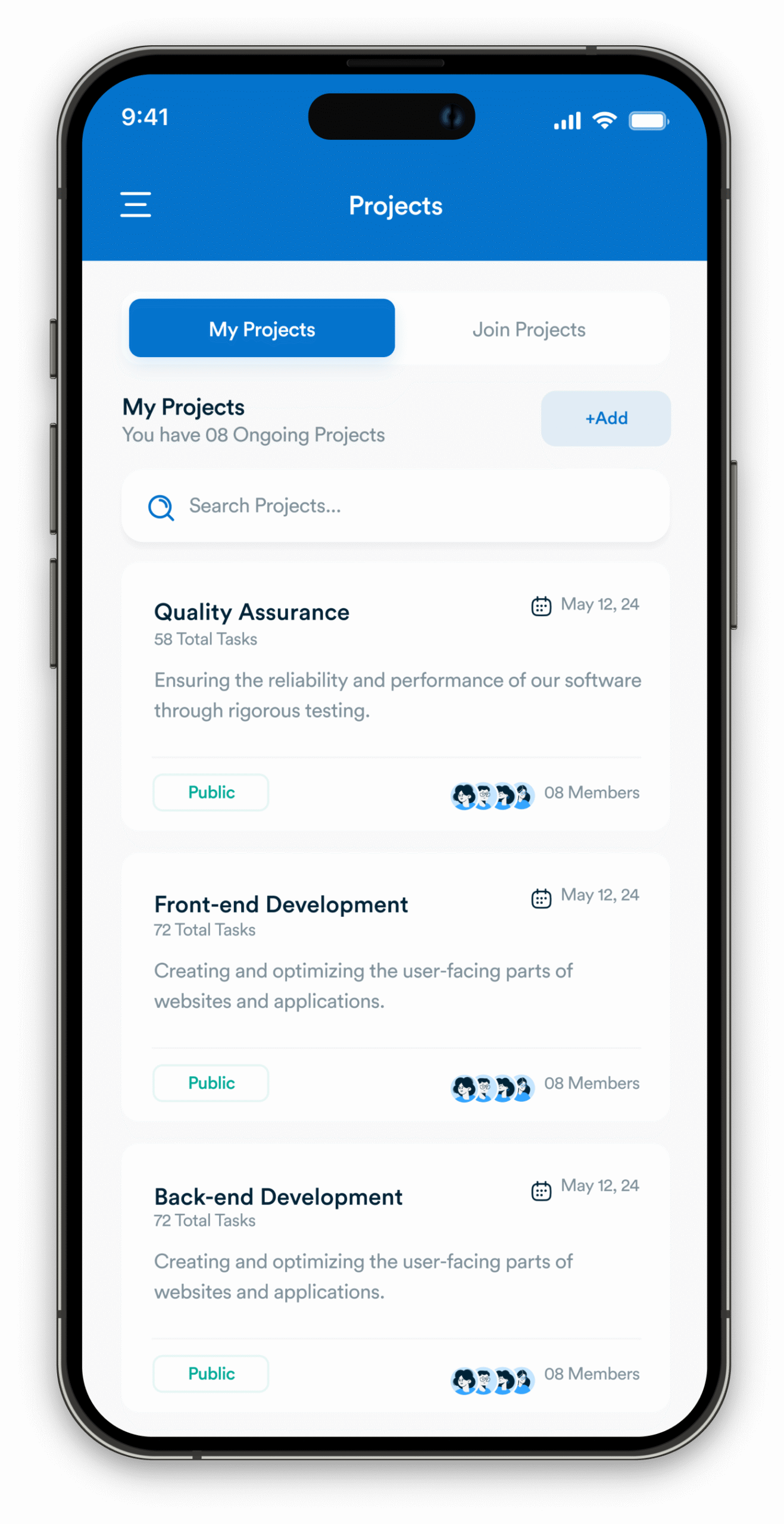
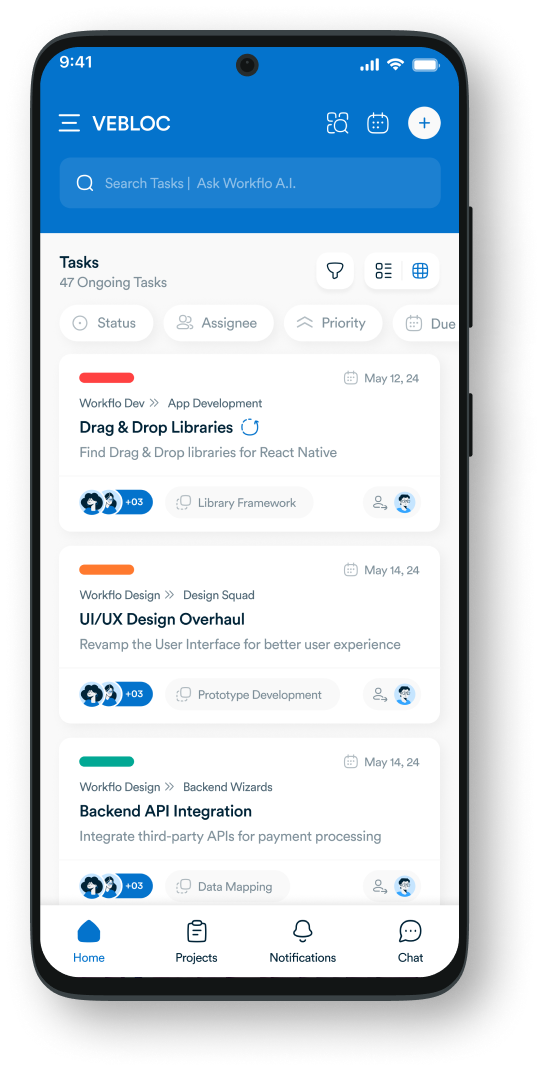
Capture tasks on the go
Quickly add tasks from your phone by typing, snapping a photo, or using voice input. Everything syncs instantly to your workspace.
Keep your mobile inbox clear
Stay organized by archiving, bookmarking, and creating follow-up tasks in just a few taps.
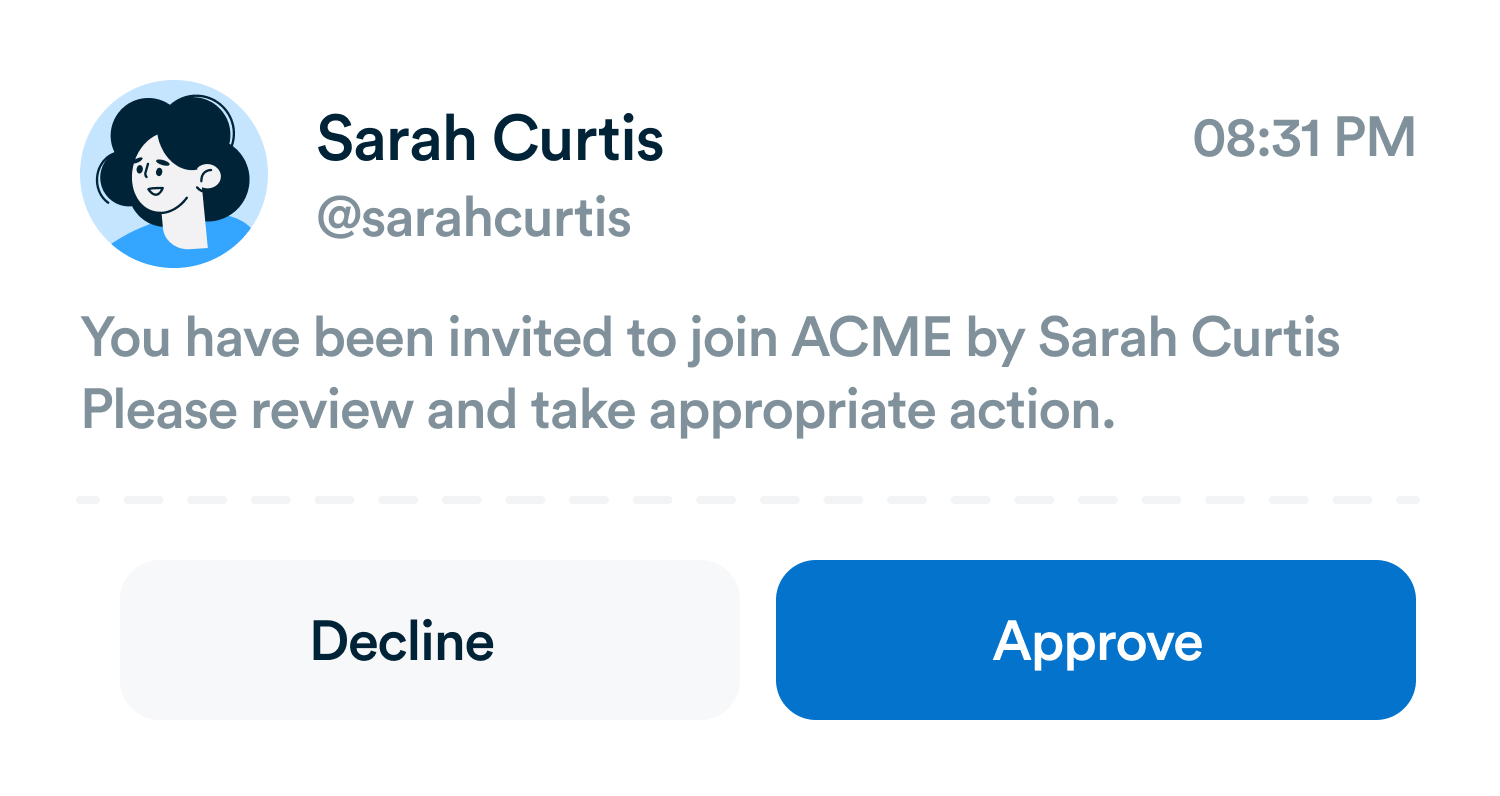
Stay in sync with your team
Real-time notifications
Get push notifications for new assignments, comments, and updates so you never miss what’s important.
Collaborate in real time
Share files, leave comments, and tag teammates directly from the mobile app to keep work moving.
Download for mobile
Stay connected anywhere, on the go.
Android
iOS
Frequently asked questions
Does the mobile app have the same features as the web app?
The mobile app is designed to perform just as smoothly as the web version, so you can manage tasks and projects on the go.
The mobile app is designed to perform just as smoothly as the web version, so you can manage tasks and projects on the go.
Can I get notifications on mobile?
Yes. You’ll receive real-time push notifications for new tasks, comments, and mentions so you never miss an update.
Yes. You’ll receive real-time push notifications for new tasks, comments, and mentions so you never miss an update.
Can I share files or collaborate from my phone?
Absolutely. You can upload files, leave comments, and tag teammates directly in the mobile app.
Absolutely. You can upload files, leave comments, and tag teammates directly in the mobile app.
Is the mobile app free to use?
Yes. The Workflo mobile app is free to download and included with your Workflo account.
Yes. The Workflo mobile app is free to download and included with your Workflo account.
Everything you need, in one place
These features work together with Workflo's full toolkit.
Task Management
Create, assign and track tasks with Kanban, list and calendar views.
Learn more →Dashboards
Track tasks, goals, budgets and timelines at a glance.
Learn more →Chats
Personal and group chats built into your workspace.
Learn more →Custom Fields
Track priorities, deadlines, budgets and anything else you need.
Learn more →Forms
Collect requests and turn submissions into tasks automatically.
Learn more →AI
AI that summarizes, automates and adapts to how you work.
Learn more →CRM
Manage clients and deals alongside the work itself.
Learn more →Upgrade your workflow. Get started for free
Organize tasks, collaborate with your team, and track progress, all in one place.