
Stay on top of every update in one place
Use chats to collaborate with your team, resolve issues as they come up, and keep everyone aligned on goals and next steps.
Make conversations clear and meaningful
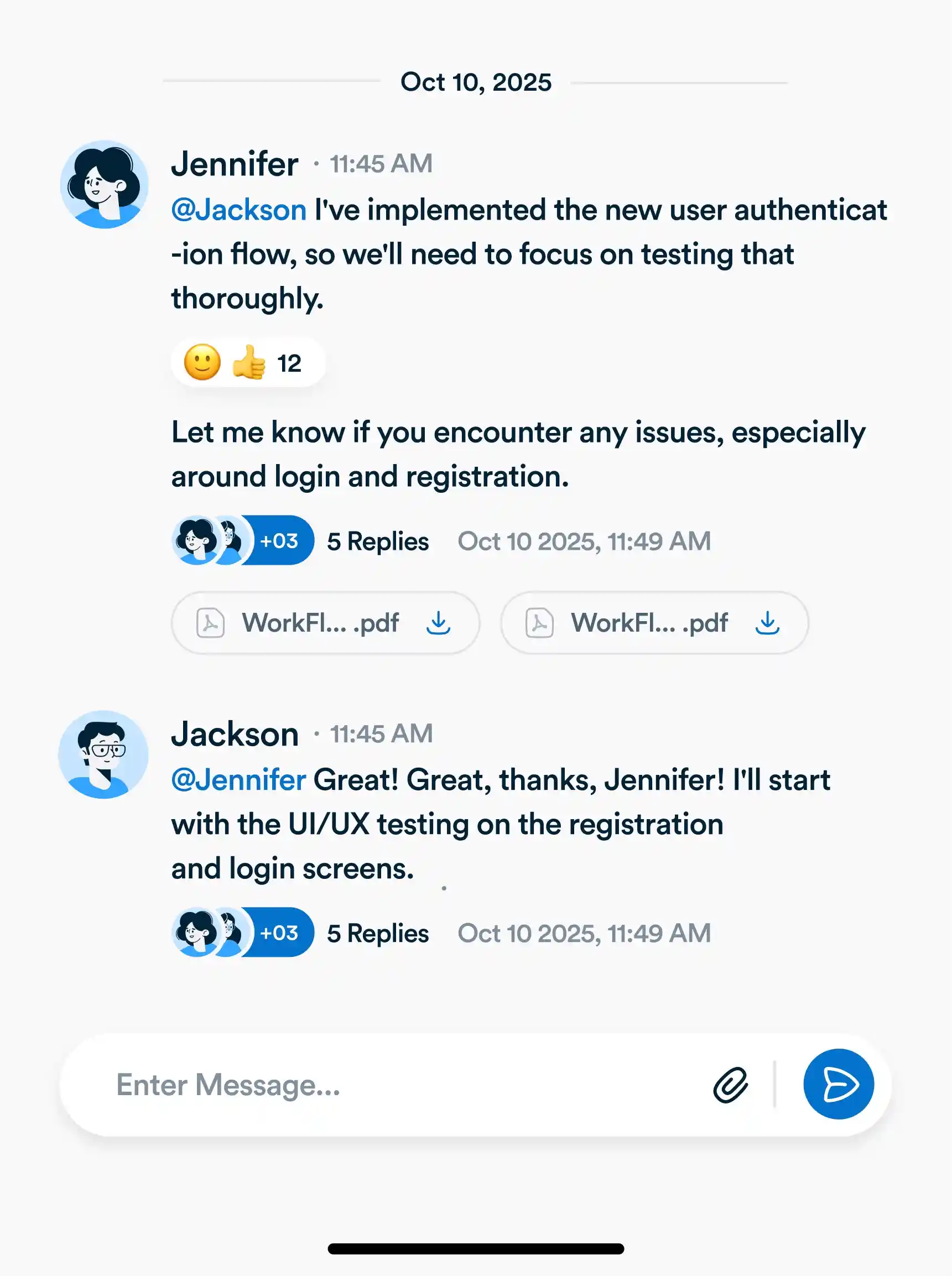
Say more with rich comments
Go beyond plain text. Add structure, highlight what matters, and make your updates easier to follow for everyone on your team.
Share files where they’re needed
Drop in documents, images, or other files directly into a chat so teammates don’t have to chase links or search folders.
See images instantly
Visuals show up as previews right inside the thread, making it effortless to review mockups, screenshots, or designs together.
Keep discussions up to date
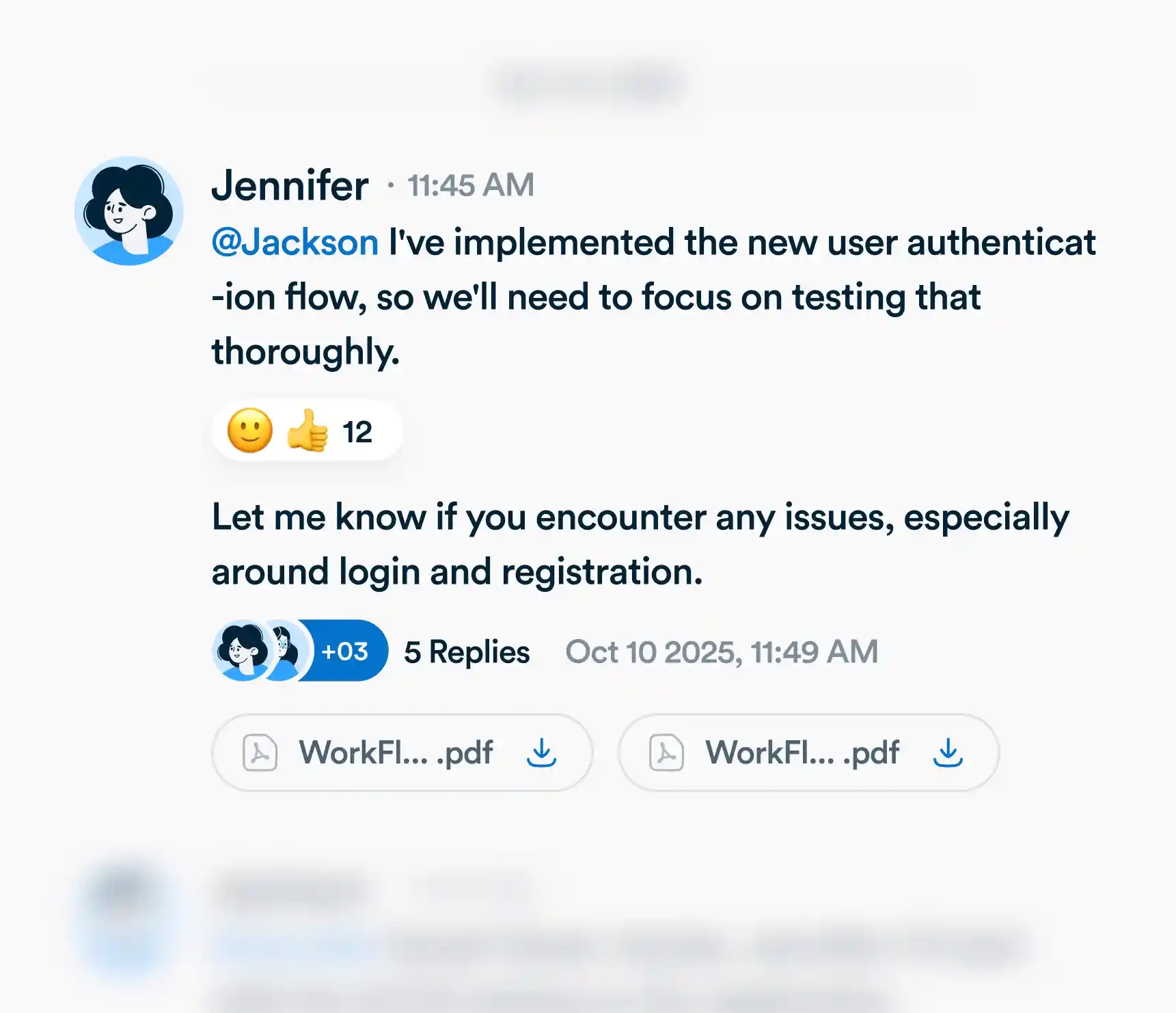
Edit without the clutter
Spotted a typo or need to add more detail? Update your chat in place so the conversation stays tidy and accurate.
Remove what’s no longer needed
If a chat becomes outdated or irrelevant, you can delete it to keep the thread focused on what’s most important.
Frequently asked questions
What can I do with Chats?
Use Chats to talk directly with teammates, start topic-based threads, and collaborate without switching tools.
Use Chats to talk directly with teammates, start topic-based threads, and collaborate without switching tools.
Can I attach files or images in a chat?
Yes. Share documents, screenshots, and images right inside your chat so everyone has the context they need.
Yes. Share documents, screenshots, and images right inside your chat so everyone has the context they need.
Are messages editable or deletable later?
Absolutely. You can edit to fix mistakes or delete messages to keep conversations clear.
Absolutely. You can edit to fix mistakes or delete messages to keep conversations clear.
How do threads or replies work?
Reply directly to any message to create a thread, keeping discussions organized and easy to follow.
Reply directly to any message to create a thread, keeping discussions organized and easy to follow.
Everything you need, in one place
These features work together with Workflo's full toolkit.
Task Management
Create, assign and track tasks with Kanban, list and calendar views.
Learn more →Dashboards
Track tasks, goals, budgets and timelines at a glance.
Learn more →Custom Fields
Track priorities, deadlines, budgets and anything else you need.
Learn more →Forms
Collect requests and turn submissions into tasks automatically.
Learn more →AI
AI that summarizes, automates and adapts to how you work.
Learn more →CRM
Manage clients and deals alongside the work itself.
Learn more →Mobile App
The full workspace on iOS and Android.
Learn more →Upgrade your workflow. Get started for free
Organize tasks, collaborate with your team, and track progress, all in one place.