
Work smarter, not busier
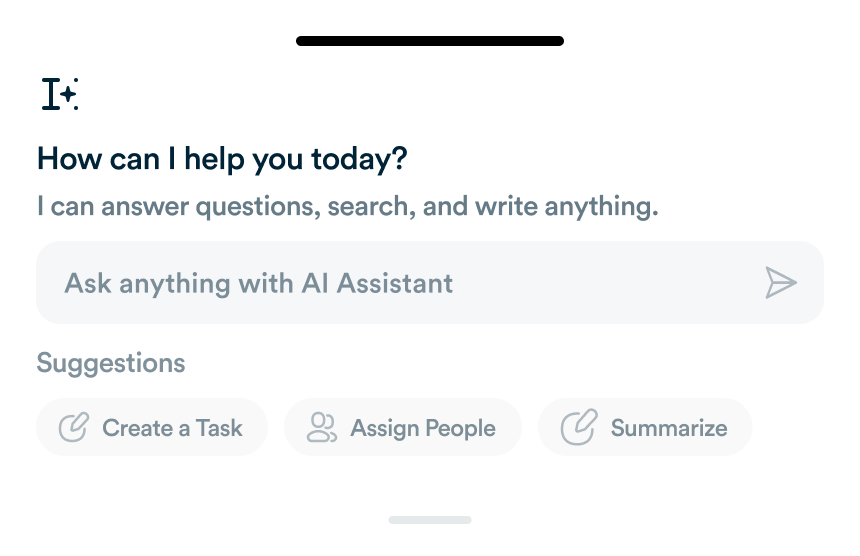
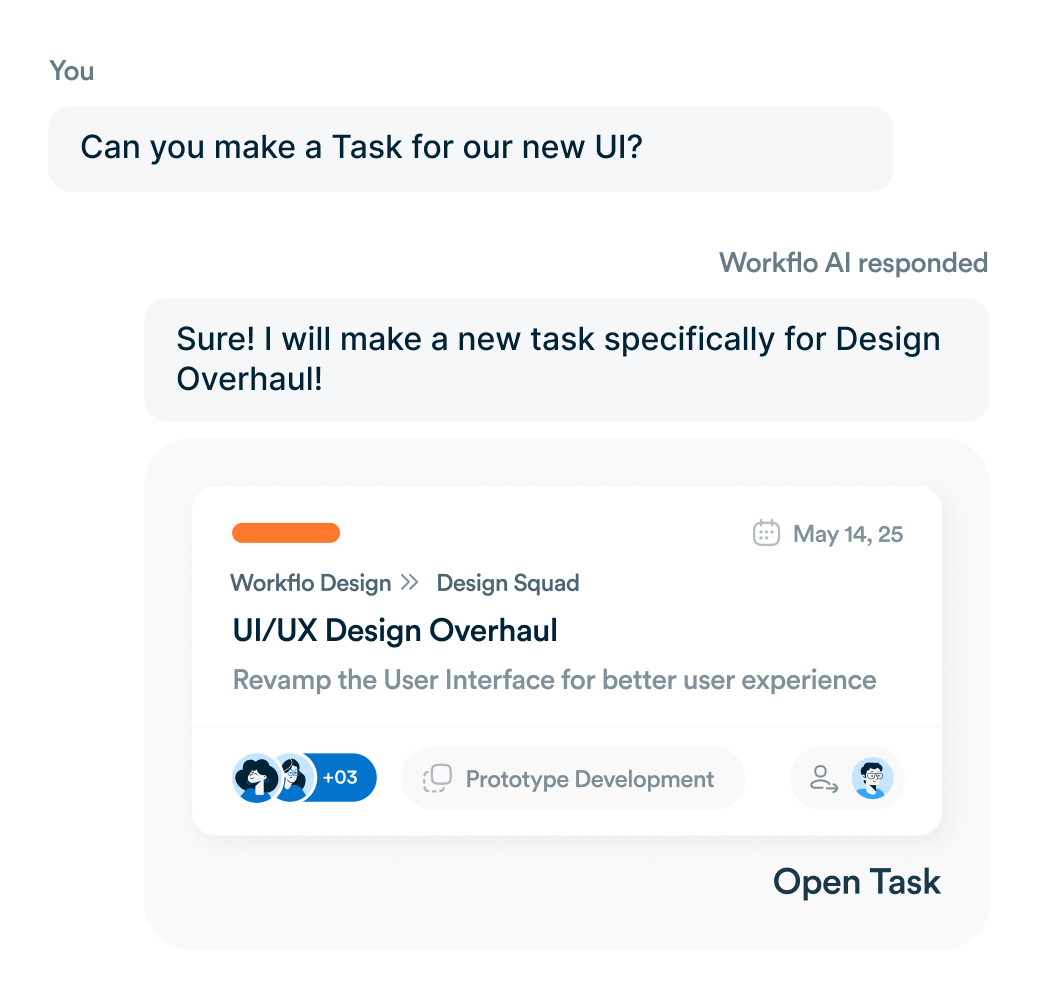
Bring generative AI into your workflows for instant summaries, task suggestions, and automation that reduce context-switching and speed up decisions.
Smarter task handling
Instant Summaries
Summarize long task threads into a single, actionable overview.
Next-Step Suggestions
Suggest next steps based on task content and deadlines.
Intelligent Tagging
Auto-tag tasks using natural language understanding.
Automated Team Flow
AI Draft Comments
Generates quick, relevant replies or comment drafts, reducing typing time during discussions.
Smart Assignment
Automatically identifies and assigns the right teammate based on past collaboration patterns.
Adaptive Learning
Learns from your team’s activity to improve suggestions and tagging accuracy over time.
Frequently asked questions
Can I share a dashboard with other users or roles?
Yes. You can share dashboard views with individuals, teams, or roles—each can see the same dashboard layout or a customized view tailored to their responsibilities.
Yes. You can share dashboard views with individuals, teams, or roles—each can see the same dashboard layout or a customized view tailored to their responsibilities.
How often do dashboard metrics and charts update?
Everything updates in real time (or near real time). When you filter, change dates, or new tasks come in, charts and KPI widgets refresh without needing manual refreshes.
Everything updates in real time (or near real time). When you filter, change dates, or new tasks come in, charts and KPI widgets refresh without needing manual refreshes.
Can I drill down from dashboard visuals into underlying tasks or projects?
Yes. Click any widget, chart, or trend line to dive into the related tasks, owners, or comments. We make it seamless so you don’t lose context when exploring data.
Yes. Click any widget, chart, or trend line to dive into the related tasks, owners, or comments. We make it seamless so you don’t lose context when exploring data.
Are there permission controls for dashboards?
Yes. Dashboard permission is tied to your role and workspace settings. Admins can control who can create, edit, or delete dashboards or views.
Yes. Dashboard permission is tied to your role and workspace settings. Admins can control who can create, edit, or delete dashboards or views.
Everything you need, in one place
These features work together with Workflo's full toolkit.
Task Management
Create, assign and track tasks with Kanban, list and calendar views.
Learn more →Dashboards
Track tasks, goals, budgets and timelines at a glance.
Learn more →Chats
Personal and group chats built into your workspace.
Learn more →Custom Fields
Track priorities, deadlines, budgets and anything else you need.
Learn more →Forms
Collect requests and turn submissions into tasks automatically.
Learn more →CRM
Manage clients and deals alongside the work itself.
Learn more →Mobile App
The full workspace on iOS and Android.
Learn more →Upgrade your workflow. Get started for free
Organize tasks, collaborate with your team, and track progress, all in one place.