
Define your own data
Add custom fields to capture the exact data your team needs: status, priority, budgets, tags, or anything else.
Track any kind of information
Sort work your way
Decide how to track work, then create custom fields to match.
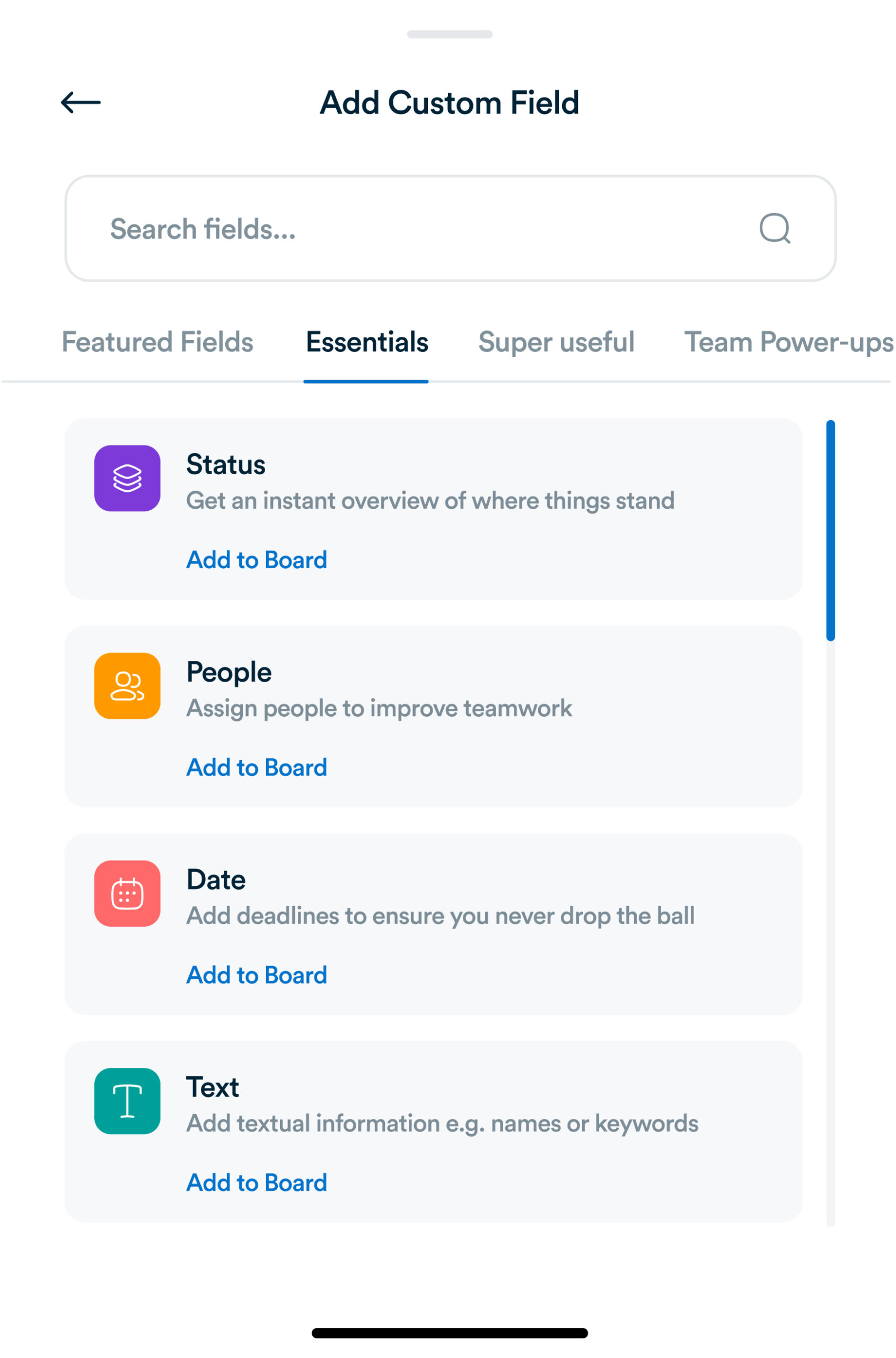
Track anything
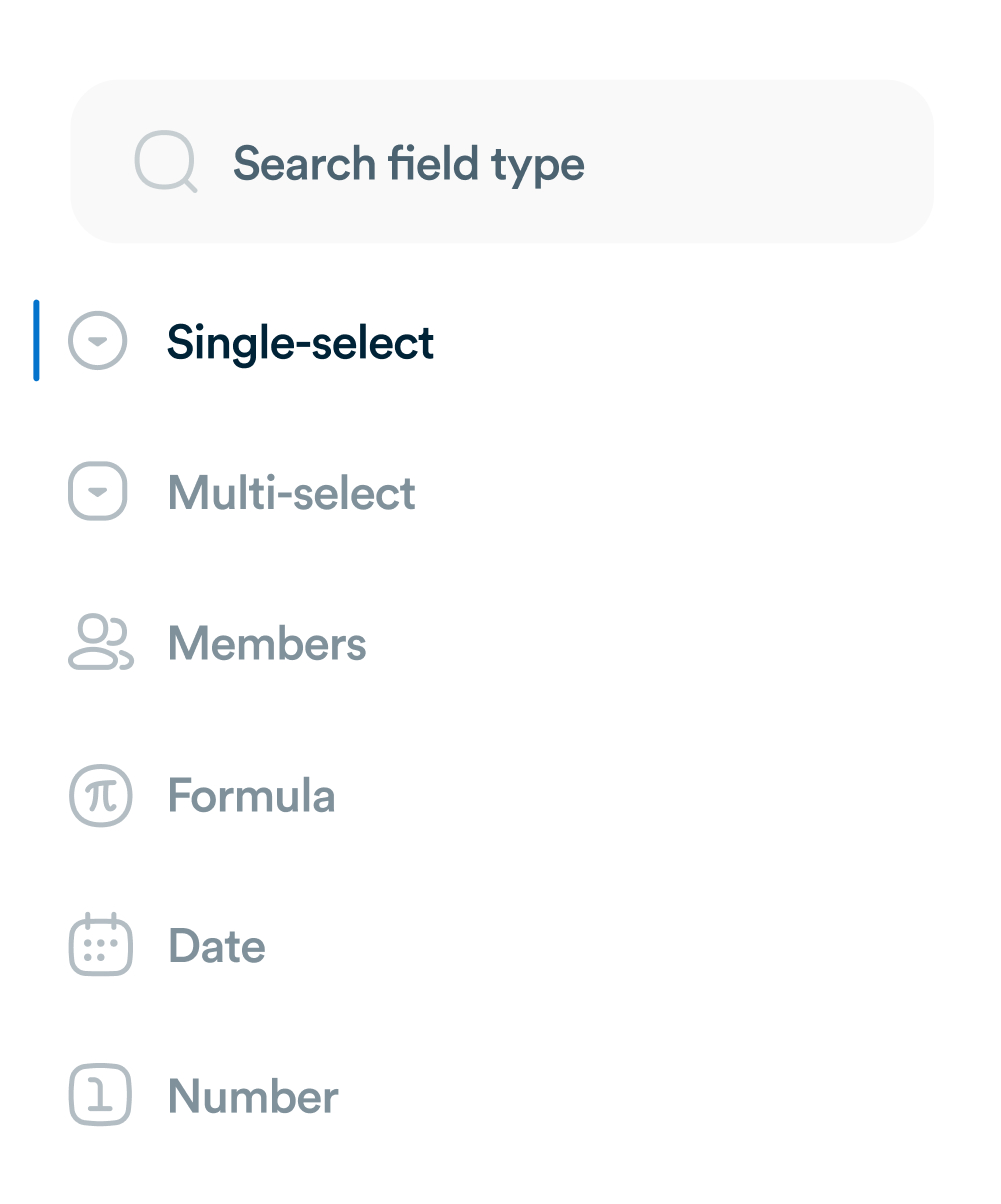
Choose between different field types, like dates, people, text, or numbers.
Make it scannable
Use color coding to help team members understand the status of work at a glance.
Standardize tracking across the business
Share far and wide
Use custom fields for a single project, or add them to your company-wide library.
Manage permissions
Maintain consistency by choosing who can make edits.
Frequently asked questions
What exactly are custom fields?
They’re flexible fields you add to tasks so you can track details unique to your workflow — things like “Priority,” “Budget,” or “Approval Status.”
They’re flexible fields you add to tasks so you can track details unique to your workflow — things like “Priority,” “Budget,” or “Approval Status.”
What field types are available?
You can create different kinds of fields, including text entries, numbers, dropdown menus, multiple-choice lists, dates, and people assignments.
You can create different kinds of fields, including text entries, numbers, dropdown menus, multiple-choice lists, dates, and people assignments.
Can the same custom field be used in more than one project?
Yes. By adding a field to your workspace or library, you can apply it across multiple projects without setting it up from scratch each time.
Yes. By adding a field to your workspace or library, you can apply it across multiple projects without setting it up from scratch each time.
Do custom fields work with reporting or rules?
Definitely. You can filter and sort tasks using field values, build reports around them, and even set up automations that trigger when a field changes.
Definitely. You can filter and sort tasks using field values, build reports around them, and even set up automations that trigger when a field changes.
Everything you need, in one place
These features work together with Workflo's full toolkit.
Task Management
Create, assign and track tasks with Kanban, list and calendar views.
Learn more →Dashboards
Track tasks, goals, budgets and timelines at a glance.
Learn more →Chats
Personal and group chats built into your workspace.
Learn more →Forms
Collect requests and turn submissions into tasks automatically.
Learn more →AI
AI that summarizes, automates and adapts to how you work.
Learn more →CRM
Manage clients and deals alongside the work itself.
Learn more →Mobile App
The full workspace on iOS and Android.
Learn more →Upgrade your workflow. Get started for free
Organize tasks, collaborate with your team, and track progress, all in one place.