
Standardize how work starts
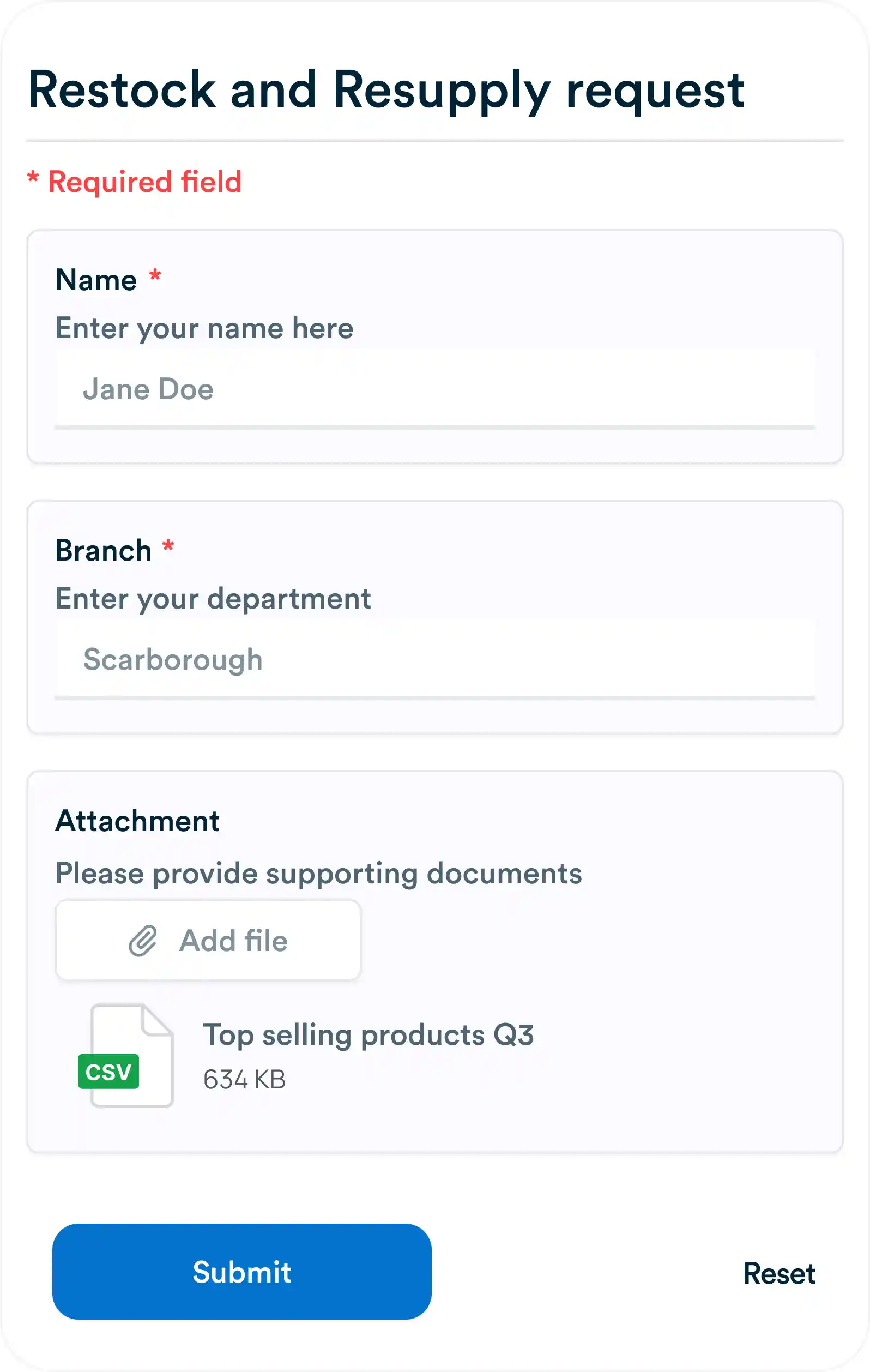
Create shareable forms to collect task requests, bug reports, feedback, or anything else. Right into your workspace.
Centralize conversations
Flexible input options
Let users answer with text, numbers, dates, or drop-downs.
Keep tabs on details
Workflo lets you track all essential requirements in one place.
Upload briefs, images, PDFs
Allow users to attach files and documents directly to requests.
Unify organizational requests
Share forms easily
Send a direct link or embed forms on public or private sites.
Send confirmations
Automatically thank users after they submit a form.

Frequently asked questions
What can I use Forms for in Workflo?
Forms let you collect requests, feedback, or any structured information and automatically turn submissions into actionable tasks in your workspace.
What type of fields can I include in a form?
You can add text boxes, dropdowns, checkboxes, date pickers, and file uploads to capture the exact details you need.
How do form submissions translate into tasks?
Each submission creates a task in Workflo, with all responses mapped to fields so your team can work on it right away.
Can non-Workflo users submit a form?
Yes, external users can submit responses through a shareable form link without needing a Workflo account.
Everything you need, in one place
These features work together with Workflo's full toolkit.
Task Management
Create, assign and track tasks with Kanban, list and calendar views.
Learn more →Dashboards
Track tasks, goals, budgets and timelines at a glance.
Learn more →Chats
Personal and group chats built into your workspace.
Learn more →Custom Fields
Track priorities, deadlines, budgets and anything else you need.
Learn more →AI
AI that summarizes, automates and adapts to how you work.
Learn more →CRM
Manage clients and deals alongside the work itself.
Learn more →Mobile App
The full workspace on iOS and Android.
Learn more →Upgrade your workflow. Get started for free
Organize tasks, collaborate with your team, and track progress, all in one place.