
Dashboards that keep your team moving
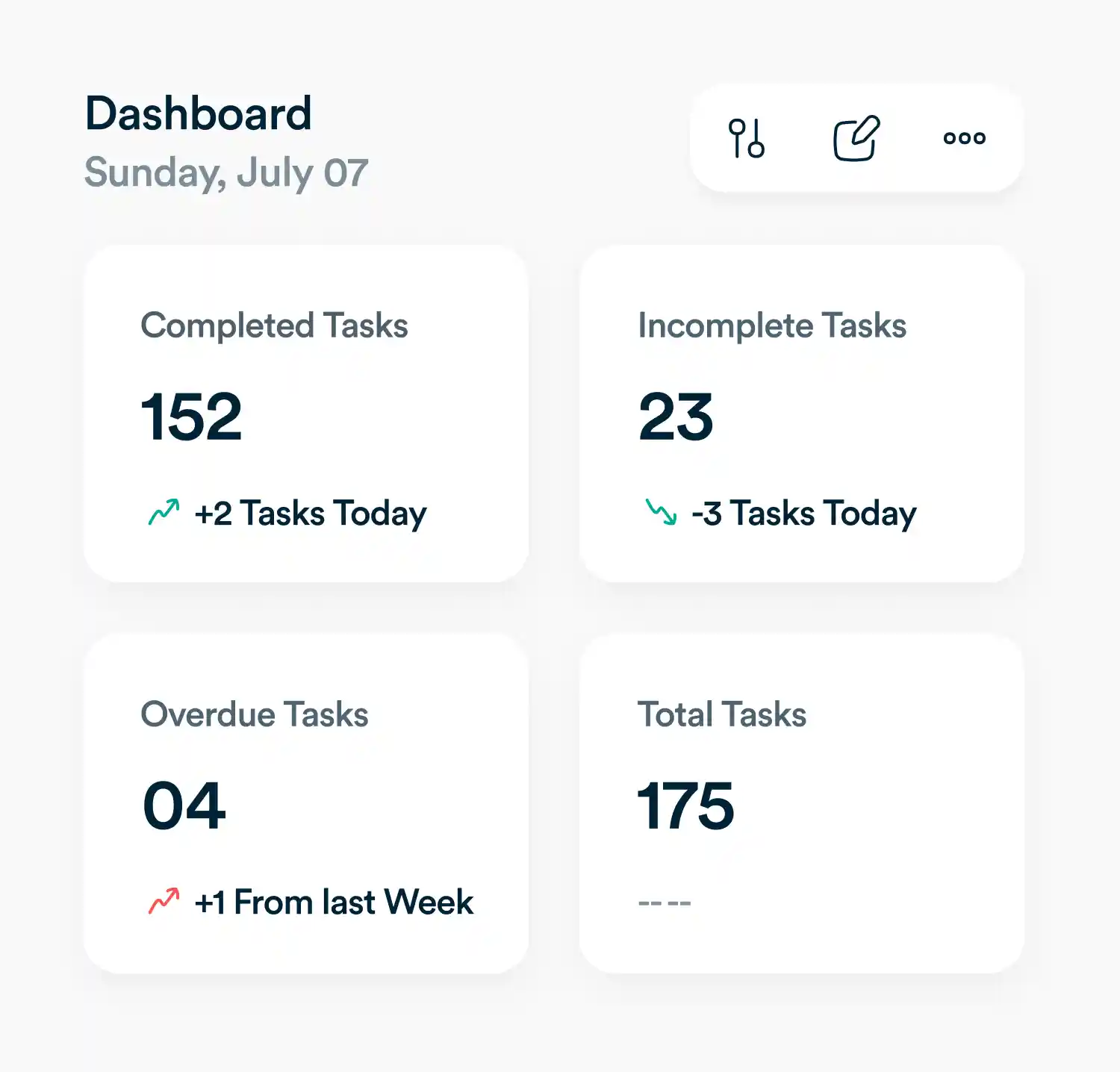
Build dashboards with the exact metrics your team needs: tasks, goals, timelines, budgets, or anything else.
See the metrics that matter most
Tailored dashboards
Highlight only the KPIs and updates that matter for your business—no noise.
Views for every role
Save and share dashboard layouts designed for leaders, managers, or teams.
Flexible filters
Slice results by project, team, or timeframe and keep everyone aligned.
Turn updates into insights
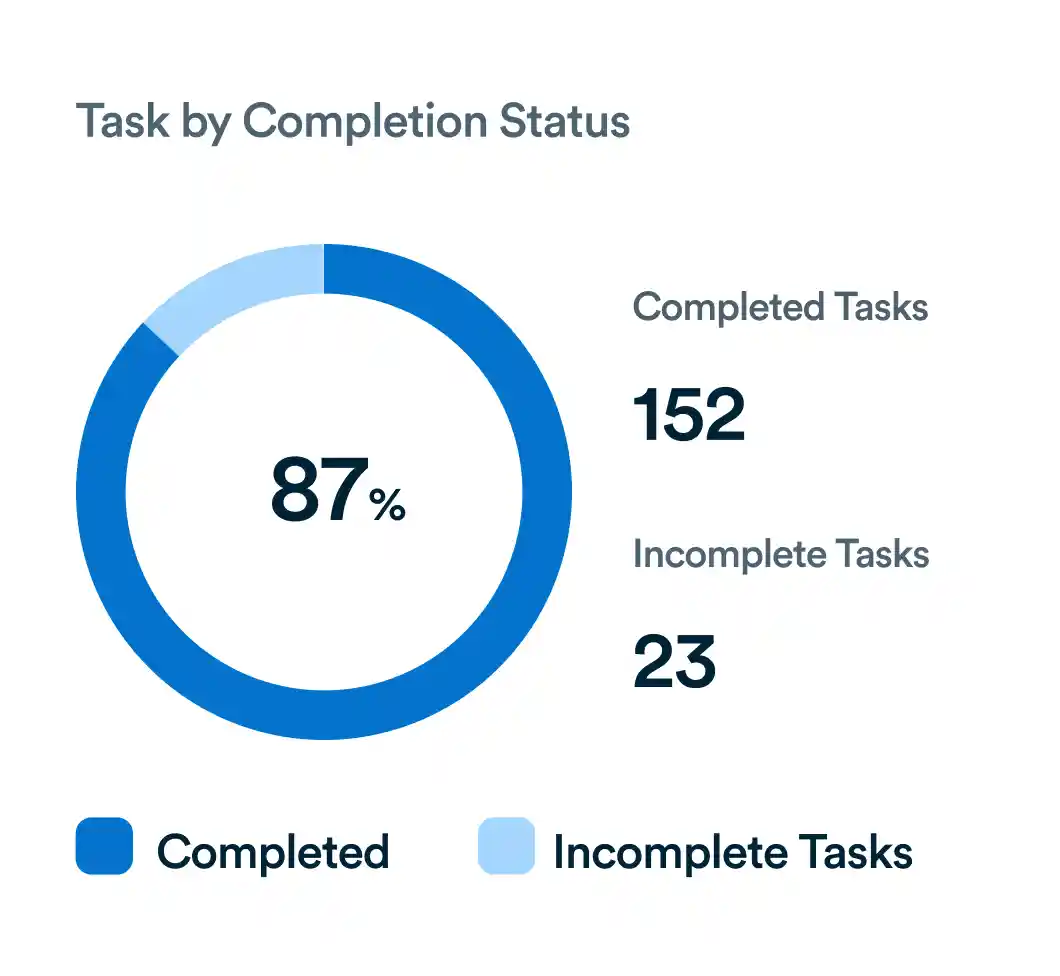
Easy-to-build charts
Turn raw data into clear visuals in just a few clicks.
Progress at a glance
Use simple charts and reports to show where work stands. important.
Drill into details
Click any chart to uncover the underlying tasks and context.
Uncover trends and act fast
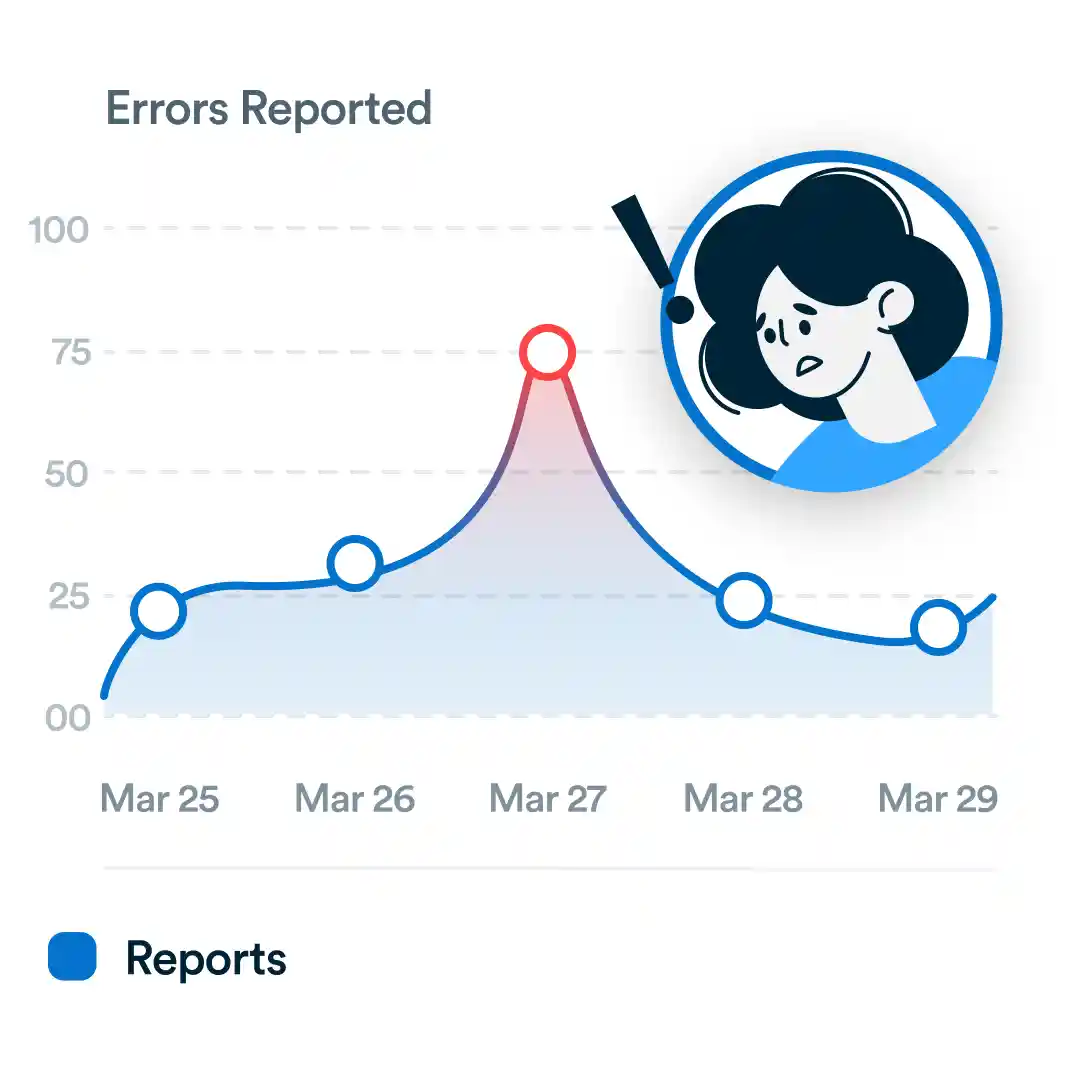
Spot risks early
See issues before they block progress.
Find bottlenecks
Identify where work is slowing down and adjust quickly.
Share with your team
Keep everyone on the same page with dashboards that drive action.
Frequently asked questions
What can I use Forms for in Workflo?
Forms let you collect requests, feedback, or any structured information and automatically turn submissions into actionable tasks in your workspace.
Forms let you collect requests, feedback, or any structured information and automatically turn submissions into actionable tasks in your workspace.
What type of fields can I include in a form?
You can add text boxes, dropdowns, checkboxes, date pickers, and file uploads to capture the exact details you need.
You can add text boxes, dropdowns, checkboxes, date pickers, and file uploads to capture the exact details you need.
How do form submissions translate into tasks?
Each submission creates a task in Workflo, with all responses mapped to fields so your team can work on it right away.
Each submission creates a task in Workflo, with all responses mapped to fields so your team can work on it right away.
Can non-Workflo users submit a form?
Yes, external users can submit responses through a shareable form link without needing a Workflo account.
Yes, external users can submit responses through a shareable form link without needing a Workflo account.
Everything you need, in one place
These features work together with Workflo's full toolkit.
Task Management
Create, assign and track tasks with Kanban, list and calendar views.
Learn more →Chats
Personal and group chats built into your workspace.
Learn more →Custom Fields
Track priorities, deadlines, budgets and anything else you need.
Learn more →Forms
Collect requests and turn submissions into tasks automatically.
Learn more →AI
AI that summarizes, automates and adapts to how you work.
Learn more →CRM
Manage clients and deals alongside the work itself.
Learn more →Mobile App
The full workspace on iOS and Android.
Learn more →Upgrade your workflow. Get started for free
Organize tasks, collaborate with your team, and track progress, all in one place.