
Organize work with clarity and control
Create, assign, and track tasks to drive accountability, meet deadlines, and keep progress visible.
Keep every task aligned
Unified Contact List
Store and manage all client details with quick search and filters.
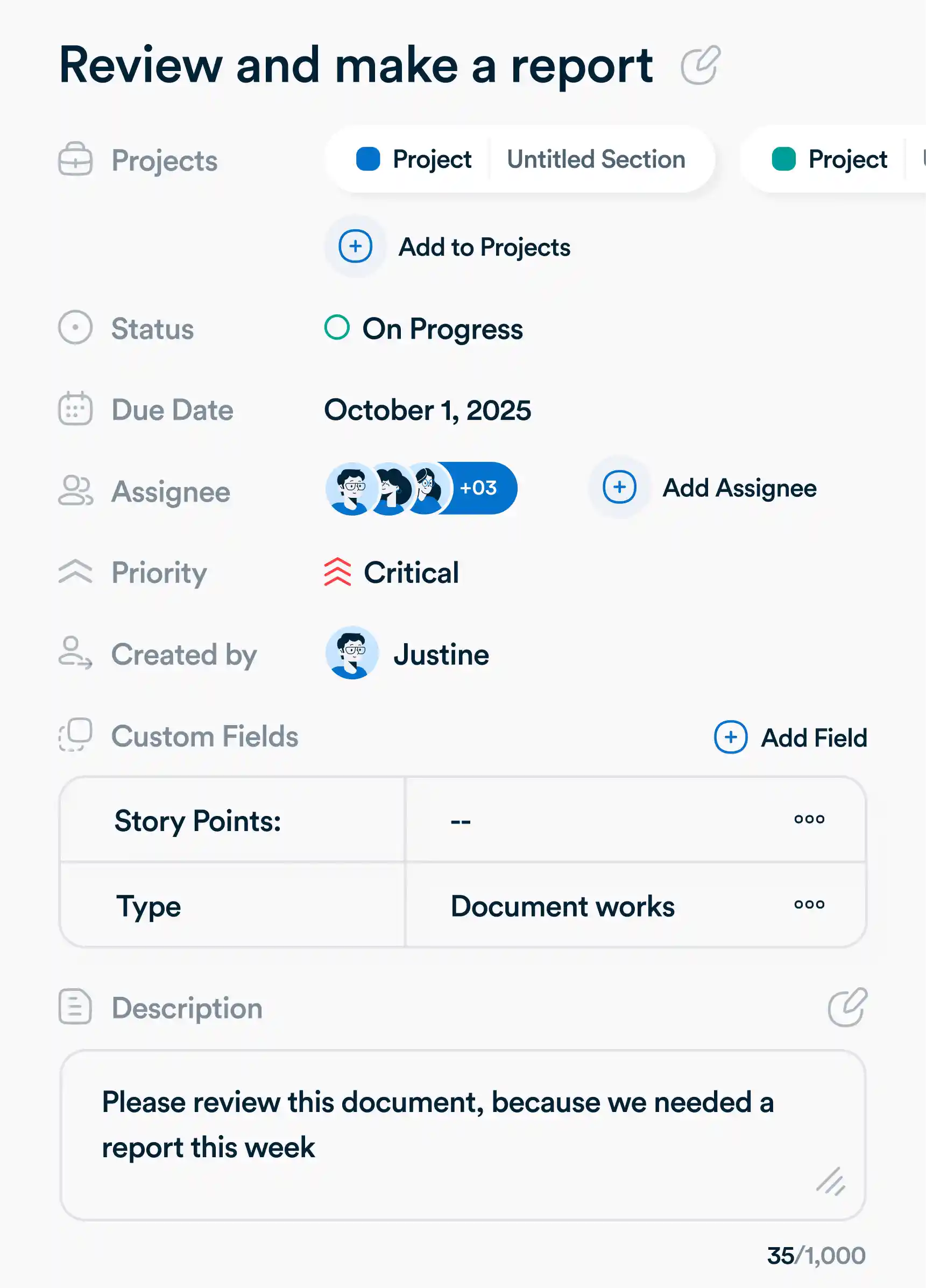
Set clear deadlines
Choose a specific due date and time, or define a time range for tasks that stretch over multiple days.
Assign ownership
Designate one person responsible for the task to ensure accountability and avoid confusion.
Unify Teams Around Active Work
Create a single task record
Add tasks to multiple projects so each team can track work their way.
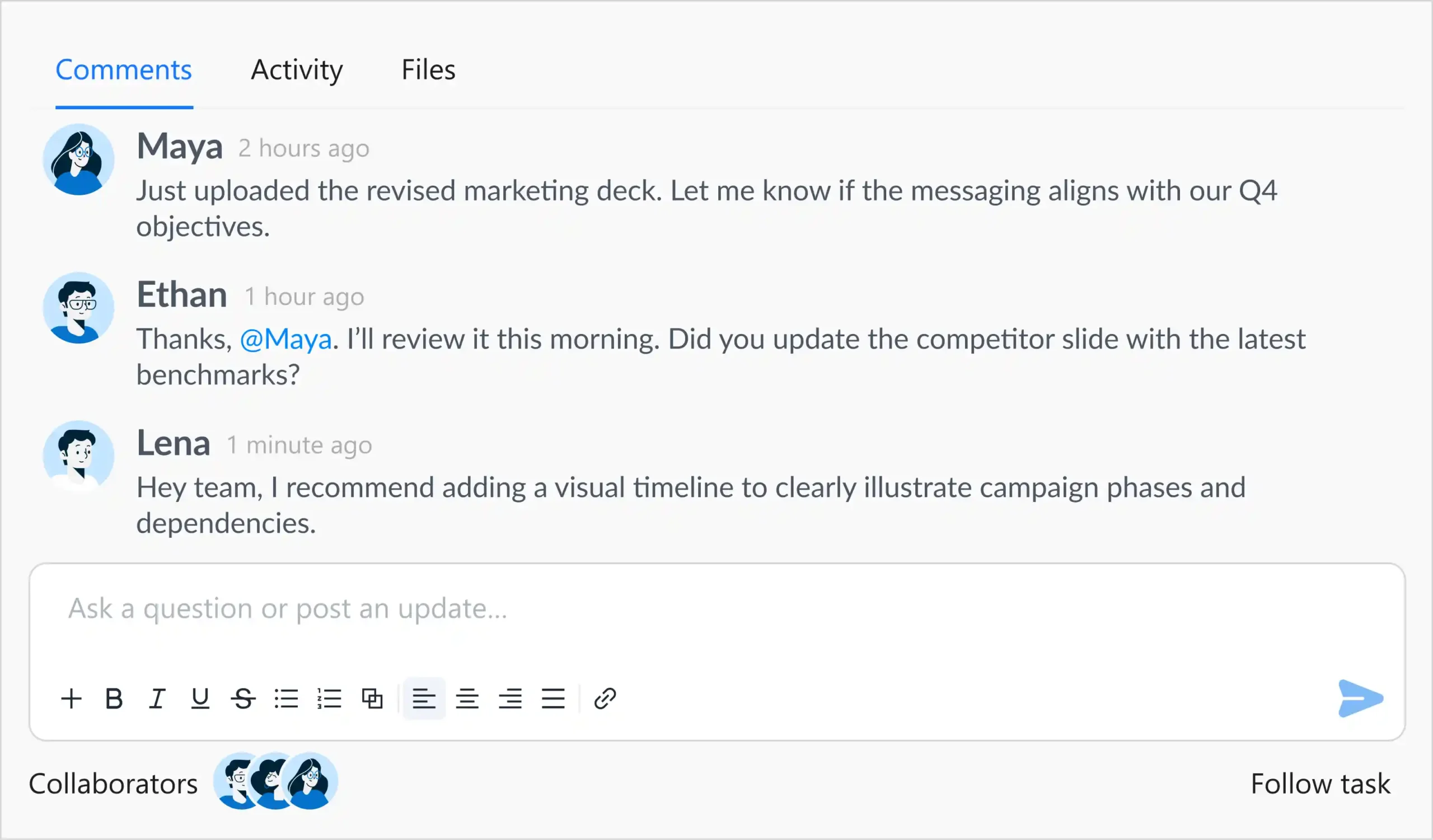
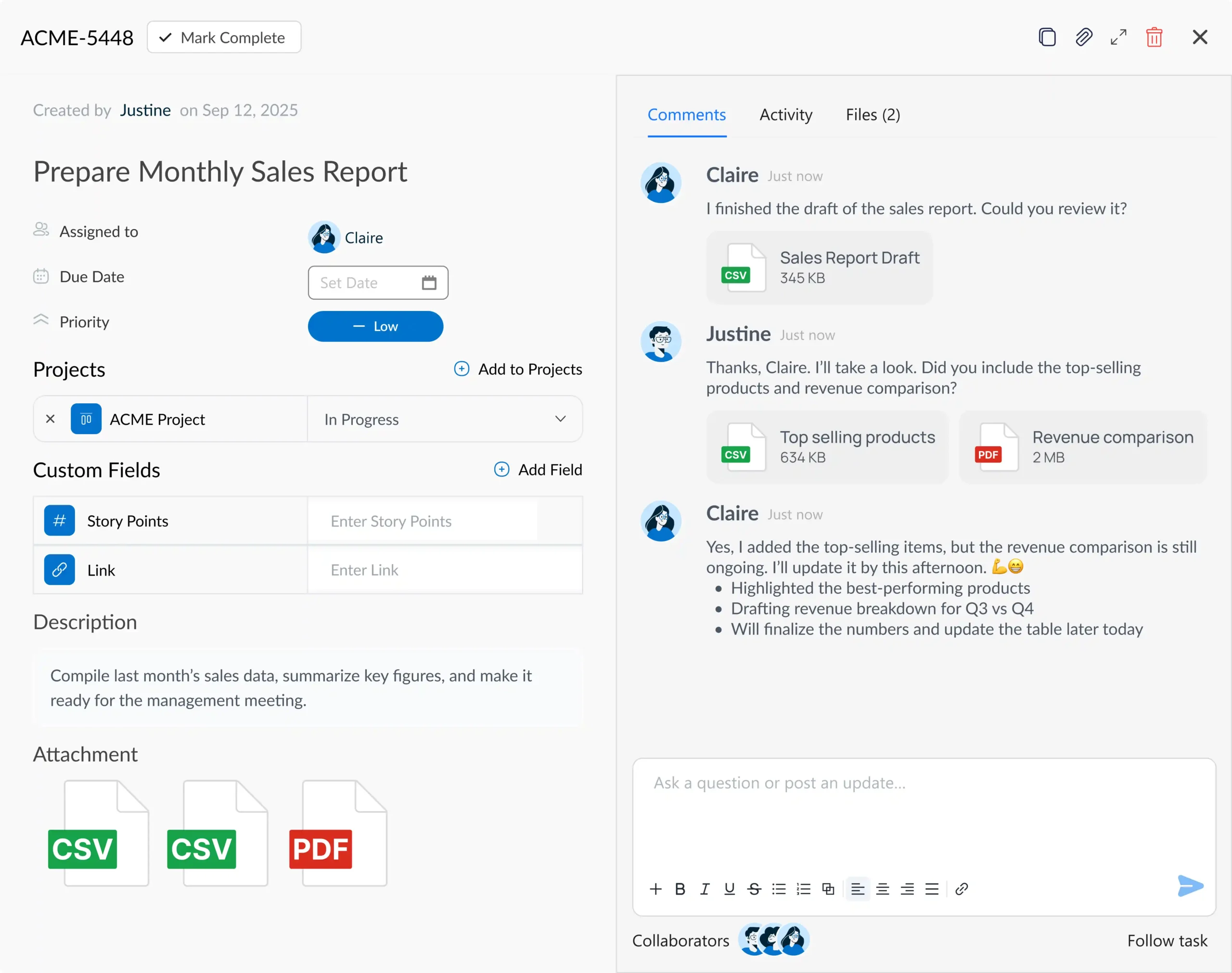
Engage collaborators
Loop teammates into tasks by adding them as collaborators, ensuring they receive updates and can communicate directly through comments.
Plan seamless teamwork
Build templates for recurring task types, from work requests to meeting action items to streamline collaboration.
@Mention Team Members
Tag teammates directly in tasks or comments to grab attention fast.
Visualize Work Your Way
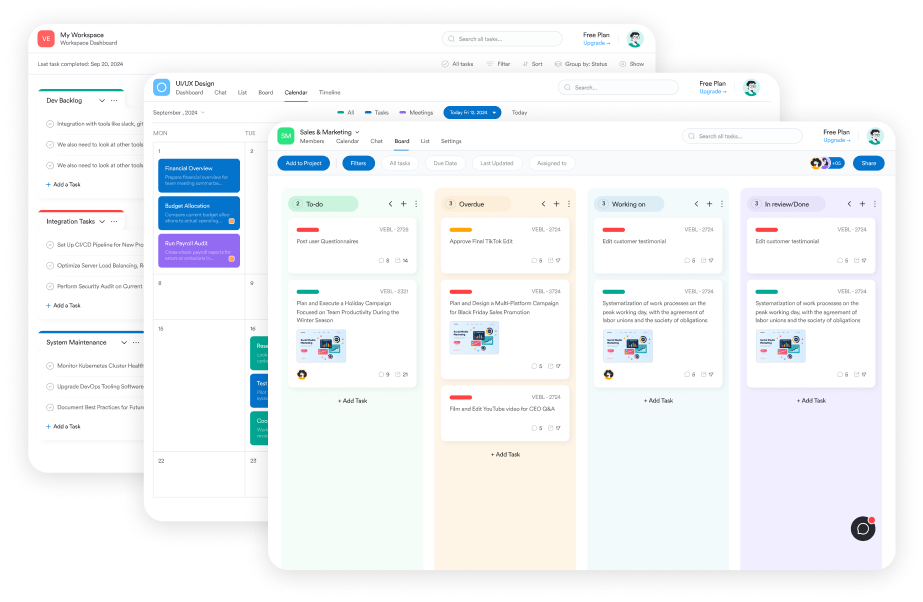
Switch to Kanban for flow
Drag and drop tasks across columns to track progress visually and manage work in stages.
Plan with Calendar view
See tasks mapped over time to spot overlaps, meet deadlines, and stay ahead of schedule.
Organize with List view
Scan tasks in a structured format for quick sorting, filtering, and bulk updates.
Choose Your Layout
Full Screen Mode
Expand your workspace to focus fully on tasks without distractions.
Side View Docking
Keep task views always open alongside other work for seamless multitasking.
Filter and Focus
Advanced Filtering
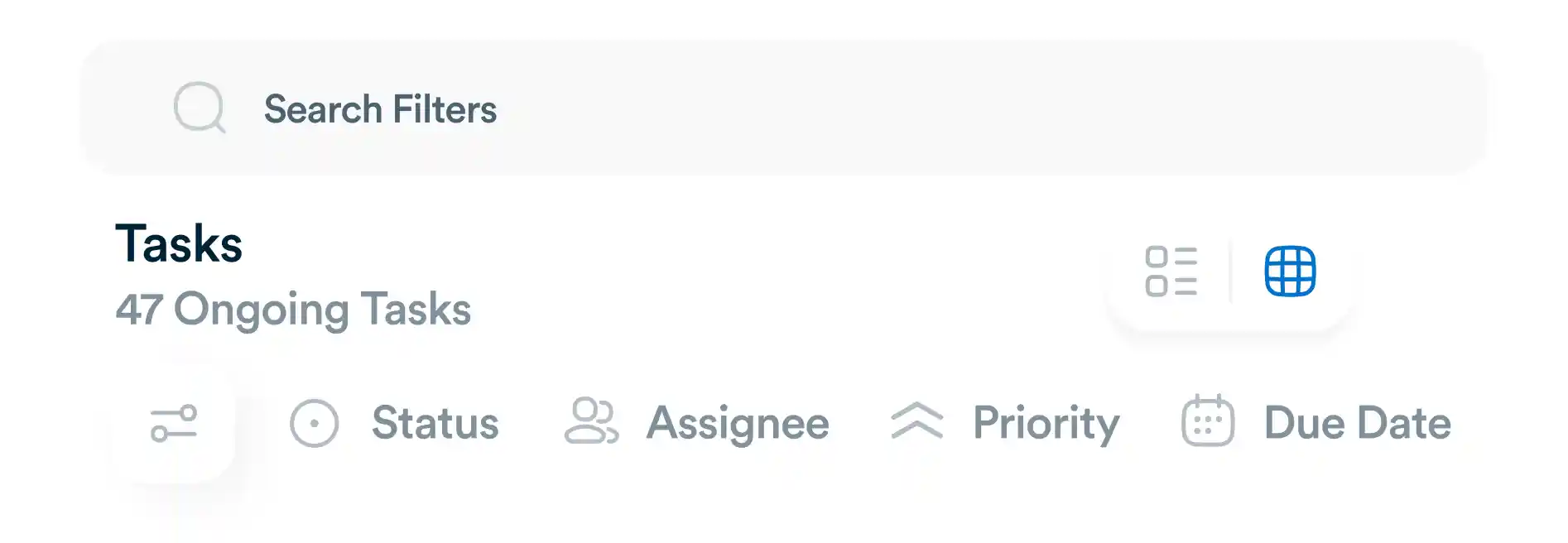
Slice through tasks by assignee, due date, or custom labels.
Save Favorite Filters
Store frequently used filters for quick access anytime.
Dynamic Search
Find tasks instantly with keyword-based search across all views.
Stay on Top of Activity
Real-Time Updates
Watch changes as they happen so you never miss progress.
Activity Feed
Track who did what and when, all in one transparent timeline.
Audit Trail
Maintain accountability with a full history of updates and actions.
Frequently asked questions
Which Workflo plans include tasks?
Tasks are included in every Workflo plan. Some plans offer additional advanced task features. Learn about pricing, or try Workflo Advanced for free, no credit card required.
Tasks are included in every Workflo plan. Some plans offer additional advanced task features. Learn about pricing, or try Workflo Advanced for free, no credit card required.
What’s the difference between a task assignee and a task collaborator?
Can I switch between different task views?
Yes. You can toggle between Kanban, Calendar, and List views anytime to match how you prefer to organize and track work.
Yes. You can toggle between Kanban, Calendar, and List views anytime to match how you prefer to organize and track work.
How can I collaborate with my team inside tasks?
Use @mentions to tag team members directly. They’ll receive instant notifications, and all discussions stay tied to the relevant task.
Use @mentions to tag team members directly. They’ll receive instant notifications, and all discussions stay tied to the relevant task.
Is there a way to save my filters?
Absolutely. You can create advanced filters and save them for quick access, so you don’t have to set them up every time.
Absolutely. You can create advanced filters and save them for quick access, so you don’t have to set them up every time.
Everything you need, in one place
These features work together with Workflo's full toolkit.
Dashboards
Track tasks, goals, budgets and timelines at a glance.
Learn more →Chats
Personal and group chats built into your workspace.
Learn more →Custom Fields
Track priorities, deadlines, budgets and anything else you need.
Learn more →Forms
Collect requests and turn submissions into tasks automatically.
Learn more →AI
AI that summarizes, automates and adapts to how you work.
Learn more →CRM
Manage clients and deals alongside the work itself.
Learn more →Mobile App
The full workspace on iOS and Android.
Learn more →Upgrade your workflow. Get started for free
Organize tasks, collaborate with your team, and track progress, all in one place.