Why Generic Task Fields Aren't Enough, and What to Track Instead
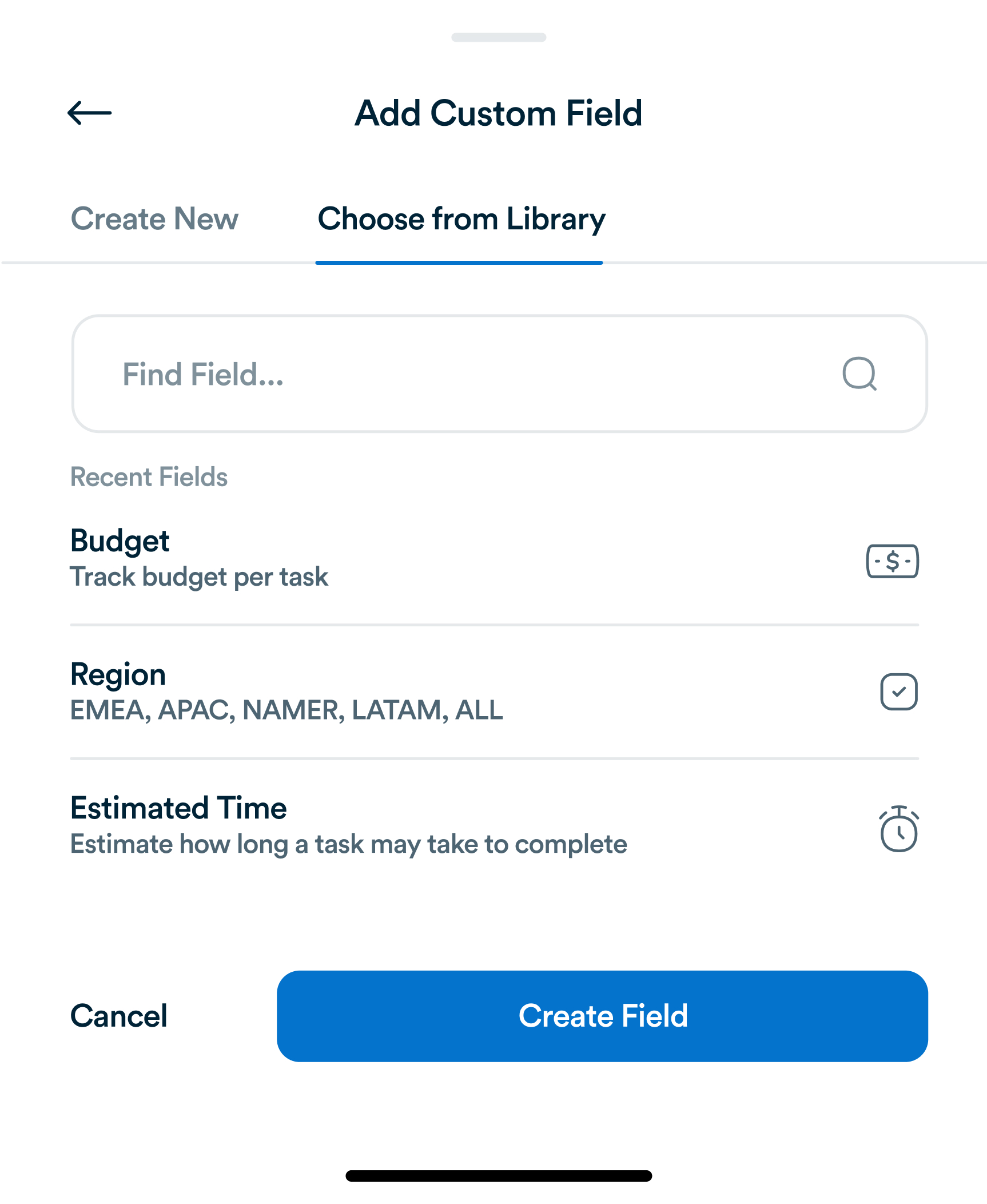
Title, assignee, due date. Most task tools stop there. For most teams, that's not actually enough information to run a project.
In modern task management, clarity is everything. Many professionals juggle dozens of to-dos, projects, and goals every day, often losing focus because of mental clutter. One of the most underused yet powerful methods to counter this chaos is visual task mapping. By using flowcharts, diagrams, and visualization tools, you can see the bigger picture of your workflow, identify dependencies, and make informed decisions about what to do next. Platforms like Workflo make this process intuitive, letting you turn abstract goals into structured visual plans.

Visual task mapping is the process of laying out your tasks, projects, and goals in a visual format—usually a flowchart or mind map. Instead of relying on linear lists, this approach captures relationships, sequences, and priorities in a single glance. The method is used by high-performing individuals and teams who want to transform complex processes into digestible visuals that foster clarity and action.
Common forms of visual task maps include:
Workflo integrates visual mapping tools to help professionals organize, monitor, and execute projects seamlessly.

Humans are visual creatures—over 80% of the information we process is visual. Visual task mapping capitalizes on this natural tendency by helping our brains understand abstract concepts faster. Unlike text-based lists, visuals allow you to:
By integrating visual tools into task management platforms like Workflo, users can instantly connect logic, sequence, and ownership, making productivity more intuitive.

To build an effective visual task map, follow this structure:
Once visualized, your tasks transform from chaos into a coherent roadmap.

Flowcharts are particularly effective for mapping workflows that follow clear steps—like onboarding, project approval, or content production. A well-made flowchart reveals inefficiencies and accelerates execution. Within Workflo, these charts can dynamically update as tasks are completed, ensuring real-time accuracy and reducing confusion.
Key benefits of using flowcharts:

Team-based visual mapping fosters collaboration through shared understanding. When everyone sees the entire task structure, alignment improves and accountability strengthens. Using Workflo, teams can collaboratively build and edit visual maps, ensuring no step gets overlooked. Every team member can interact with nodes, comment on stages, and update task progress in real-time.
This transparency eliminates ambiguity, reduces status meetings, and lets members self-manage their workflow.

Not every workflow is linear. For creative projects such as design, marketing, or strategy, mind maps are invaluable. They allow teams to branch out ideas freely and then connect them logically. This non-linear approach mirrors the brain’s associative thinking, encouraging innovation. Platforms like Workflo can translate mind maps into actionable project plans, bridging creativity and execution.
This ensures your creative energy leads directly to measurable results.

Visual task maps are not just for major projects. You can use them to plan your day:
Workflo simplifies this by allowing drag-and-drop mapping, visual tagging, and color-coded prioritization. Seeing progress unfold visually boosts motivation and reduces burnout.

Once a task map is established, automation can enhance it. In Workflo, repetitive sequences (like approvals or follow-ups) can be automated directly from the visual chart. This turns static diagrams into living systems where tasks move autonomously between stages.
This ensures a continuous flow of productivity without micromanagement.

Visualization isn’t just about planning—it’s also about measuring success. Workflo allows task maps to include data metrics like completion rates, time per stage, and delays. These analytics provide deep insights into where your workflow excels and where it needs improvement. The feedback loop between visual mapping and data tracking ensures long-term optimization.

Visual task mapping is a transformative approach to productivity. By converting abstract plans into tangible visuals, professionals can enhance focus, efficiency, and collaboration. Whether you’re managing a solo project or leading a complex team operation, platforms like Workflo make it easy to visualize your process, identify inefficiencies, and achieve more with less friction. It’s time to stop managing tasks blindly and start seeing your workflow come to life—one node at a time.
Title, assignee, due date. Most task tools stop there. For most teams, that's not actually enough information to run a project.
Introduction Hybrid teams, combining remote and onsite employees, present unique task management challenges. Bridging the gap between physical and virtual […]
Introduction Task management has evolved significantly over centuries, from simple to-do lists to sophisticated project management platforms. Understanding the history […]
Organize tasks, collaborate with your team, and track progress, all in one place.