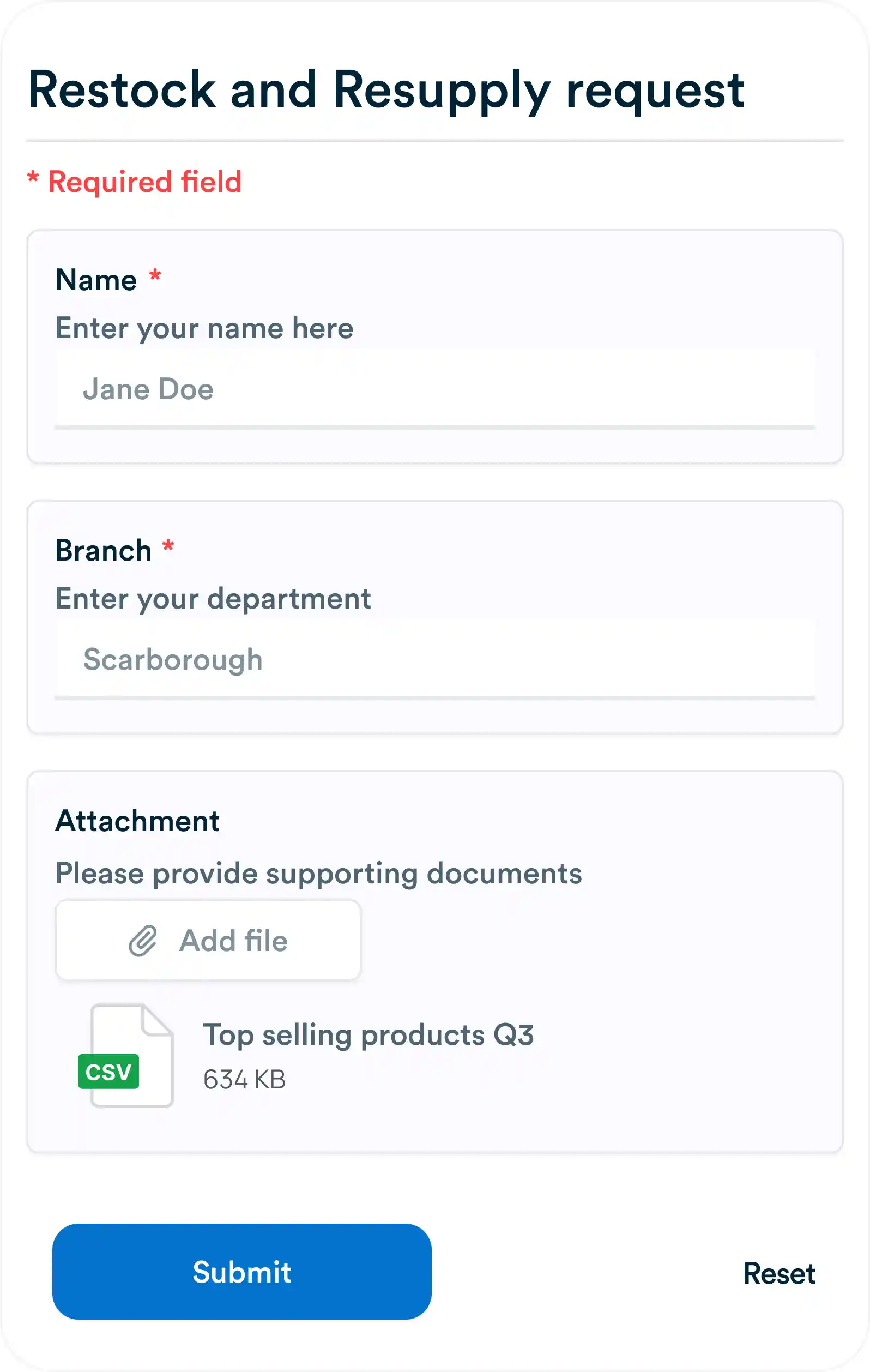
Turn Client Requests Into Tasks Automatically with Workflo Forms
Every agency has the same problem: requests come in through five different channels and half of them get lost. Here's how a shareable form fixes that in about ten minutes.
Human error is an inevitable part of any manual process, from data entry to communication lapses. While training and oversight help, the most effective solution lies in smart automation. With platforms like Workflo, businesses can design systems that anticipate common mistakes, minimize risk, and maintain accuracy at scale—without sacrificing human judgment.

Automation works best when it targets specific causes of mistakes:
By mapping where and why errors occur, Workflo allows teams to automate the right parts of their process, eliminating weak points at the source.

One of the simplest yet most powerful automation features is automatic data validation. Workflo can be configured to:
This ensures that incorrect information never enters the workflow pipeline, drastically cutting down on time spent fixing errors later.

Repetition breeds inattention. When employees manually perform the same actions hundreds of times, mistakes multiply. Workflo automates repetitive workflows such as:
By letting the system handle these tasks, staff can focus on creative or strategic work that actually requires human oversight.

Automation should be intelligent, not rigid. Workflo’s conditional logic enables systems to respond to context—such as skipping steps that don’t apply or routing data differently based on conditions. This reduces confusion, miscommunication, and misplaced tasks that can lead to errors.

Copy-pasting data between tools is one of the largest sources of mistakes. With Workflo’s integrations, businesses can connect applications and automate data flow:
This not only saves time but ensures that data remains synchronized and consistent across platforms.

Missed deadlines and overlooked messages are forms of human error too. Workflo automates notifications, ensuring that the right people are alerted at the right time. It can even escalate unresolved issues automatically—keeping projects on track without relying on memory or manual follow-ups.

Automation doesn’t eliminate accountability; it enhances it. Workflo logs every automated action, providing a complete audit trail for compliance and transparency. If something goes wrong, it’s easier to trace the cause and fix it without finger-pointing or guesswork.

Smart automation can augment human decisions by providing contextual insights. Workflo can incorporate AI tools that analyze trends and flag anomalies before they lead to errors. This helps employees make better, data-driven choices faster and with fewer mistakes.

Automation should evolve with your team’s needs. Workflo allows you to monitor workflows in real time and refine them based on outcomes. Over time, automation becomes smarter—adapting to prevent new types of errors that arise as processes change.

Ultimately, smart automation isn’t about replacing humans—it’s about helping them perform better. When employees trust that automated systems handle the error-prone parts of their job, they become more confident, productive, and accurate in everything else they do. Workflo enables this synergy, blending machine precision with human creativity for lasting operational reliability.

Reducing human error is not just about better management—it’s about better systems. With Workflo, teams gain an intelligent automation layer that anticipates mistakes, validates data, and automates routine work. The result is fewer errors, faster operations, and a team that can focus on what truly matters—innovation, collaboration, and growth.
Every agency has the same problem: requests come in through five different channels and half of them get lost. Here's how a shareable form fixes that in about ten minutes.
Introduction Timely information is critical for effective team collaboration. Automated notifications and alerts ensure that team members stay informed about […]
Introduction Manual approval processes can slow projects, create confusion, and introduce errors. Workflow automation ensures that approvals are handled efficiently, […]
Organize tasks, collaborate with your team, and track progress, all in one place.