Turn Client Requests Into Tasks Automatically with Workflo Forms
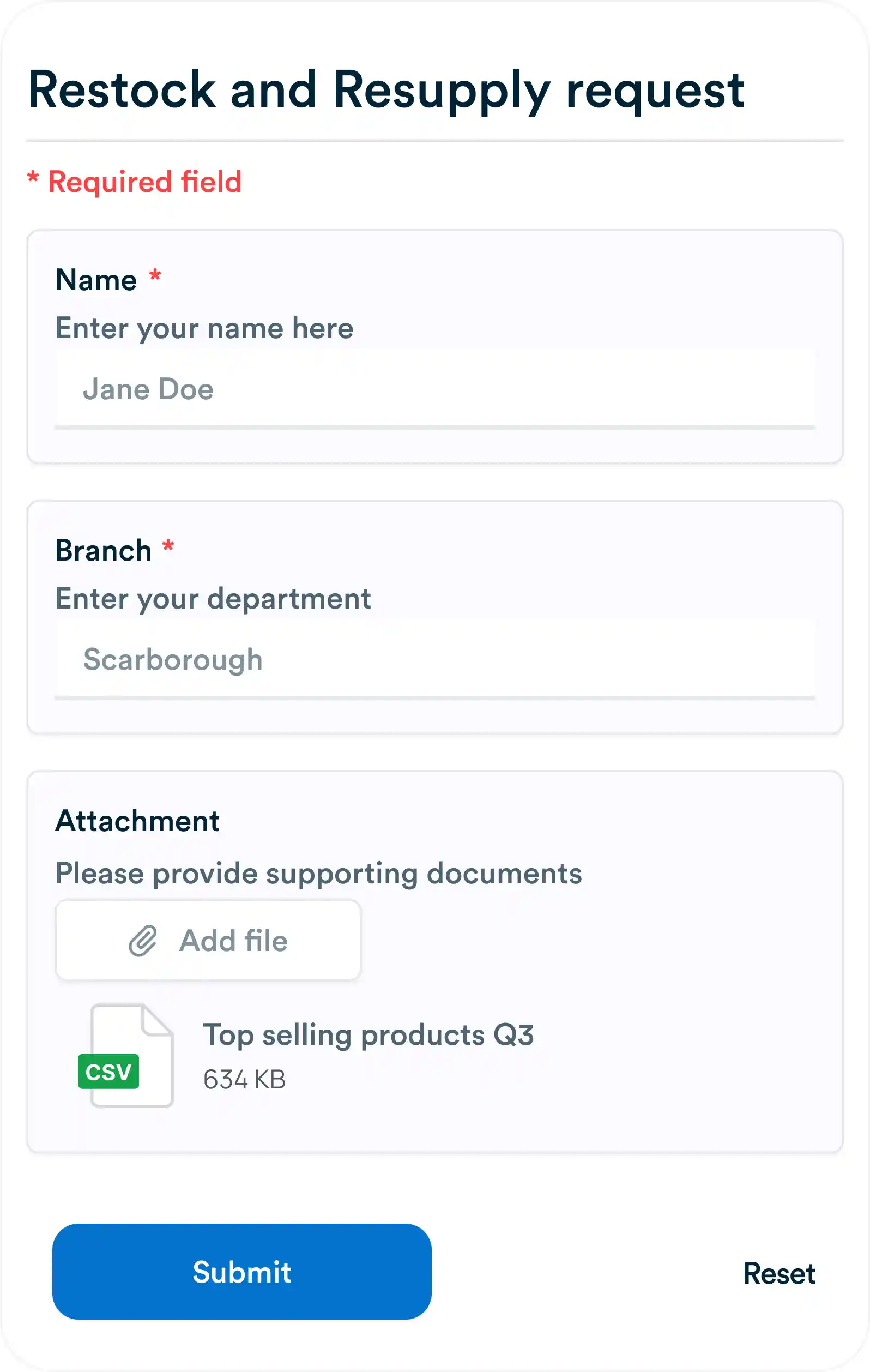
Every agency has the same problem: requests come in through five different channels and half of them get lost. Here's how a shareable form fixes that in about ten minutes.
Remote work is now a standard part of modern business, but it comes with unique challenges: miscommunication, missed updates, and disconnected workflows. Workflow automation helps remote teams stay synchronized by automating routine tasks, notifications, and approvals. Platforms like Workflo enable teams to maintain visibility, accountability, and efficiency across locations.

Remote teams often face obstacles such as:
Workflo provides dashboards and analytics to help managers identify these gaps and automate processes to fill them.

Automation ensures tasks are assigned consistently and promptly:
Workflo’s automated task assignment reduces bottlenecks and keeps remote teams aligned.

Remote teams benefit from immediate updates:
Workflo ensures everyone stays informed without constant manual follow-ups.

Remote collaboration often involves multiple documents and versions:
Workflo integrates with file storage platforms to keep documentation consistent and organized.

Automated workflows reduce the noise in communication channels:
Workflo connects with messaging apps, email, and project tools to centralize communication.

Remote teams often work across multiple time zones:
Workflo adjusts workflows intelligently to accommodate distributed teams.

Automation provides visibility into remote team performance:
Workflo’s dashboards provide actionable insights to optimize remote workflows.

Automation strengthens accountability in remote teams:
Workflo’s system ensures tasks are visible and responsible parties are always known.

Start small and expand automation as remote operations grow:
Workflo scales smoothly with team growth and workflow complexity.

Workflow automation is essential for remote teams to stay synchronized, maintain accountability, and maximize productivity. With Workflo, organizations can automate task assignments, notifications, and approvals while ensuring visibility and control across distributed teams. By implementing these automated workflows, remote teams can work seamlessly as a unified, efficient unit.
Every agency has the same problem: requests come in through five different channels and half of them get lost. Here's how a shareable form fixes that in about ten minutes.
Introduction Timely information is critical for effective team collaboration. Automated notifications and alerts ensure that team members stay informed about […]
Introduction Manual approval processes can slow projects, create confusion, and introduce errors. Workflow automation ensures that approvals are handled efficiently, […]
Organize tasks, collaborate with your team, and track progress, all in one place.