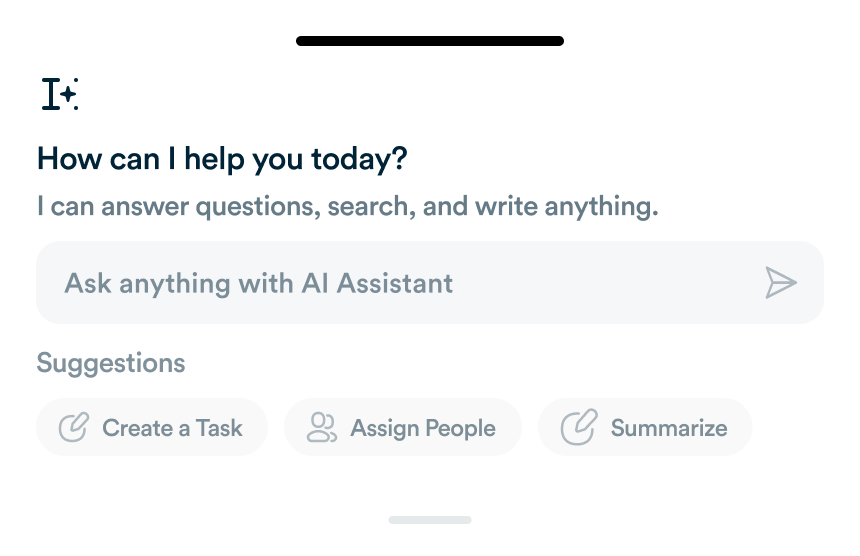
What Workflo's AI Actually Does Today, and What's Still Coming
A lot of "AI-powered" product pages describe features that don't exist yet. Here's an honest breakdown of what's shipped versus what's on the roadmap.
In 2025, productivity relies heavily on leveraging the right tools to manage tasks, collaborate efficiently, and automate workflows. Professionals who adopt the right set of productivity tools can save hours, reduce errors, and maintain focus on high-priority activities. This comprehensive guide presents essential productivity tools, their benefits, and how to integrate them with platforms like Workflo to maximize output.

Organizing tasks is foundational to productivity. Popular options include:
Integrating these with Workflo centralizes task management and provides automated updates across teams.

Time management depends on effective scheduling. Recommended tools:
Workflo can sync calendars, automate meeting reminders, and provide visibility of schedules across team members.

Efficient communication prevents delays and misunderstandings. Key tools include:
Workflo consolidates notifications from these platforms, helping professionals focus without missing critical updates.

Capturing and organizing information enhances efficiency. Recommendations:
Integrating notes with Workflo ensures all task-related knowledge is centralized and accessible.

Automating repetitive tasks saves time and reduces errors. Popular tools:

Understanding where time is spent improves workflow decisions. Recommended tools:
Workflo dashboards can integrate time-tracking data to provide insights and optimize productivity strategies.

Efficient file management is critical for productivity. Recommended solutions:
Workflo can link storage platforms, ensuring files and task updates remain synchronized across teams.

Maintaining mental clarity is essential for sustained productivity. Tools include:
Workflo reminders can encourage regular mindfulness breaks to maintain mental clarity during work hours.

Security is a vital aspect of productivity. Tools to simplify management:
Integrating security tools with Workflo ensures smooth access management while maintaining workflow continuity.

Measuring performance drives continuous improvement. Essential tools:
Adopting the right productivity tools in 2025 is crucial for efficiency, focus, and sustainable output. Key categories include task management, scheduling, communication, note-taking, automation, time-tracking, file storage, focus, security, and analytics. Platforms like Workflo unify these tools, automating workflows, centralizing updates, and providing actionable insights to help busy professionals achieve maximum productivity with minimal friction.
A lot of "AI-powered" product pages describe features that don't exist yet. Here's an honest breakdown of what's shipped versus what's on the roadmap.
Introduction The 4-day workweek is gaining traction as a strategy to enhance productivity, employee satisfaction, and focus. This guide explores […]
Introduction Distractions are one of the main obstacles to achieving peak productivity. A well-designed work environment minimizes interruptions, fosters focus, […]
Organize tasks, collaborate with your team, and track progress, all in one place.