Why Generic Task Fields Aren't Enough, and What to Track Instead
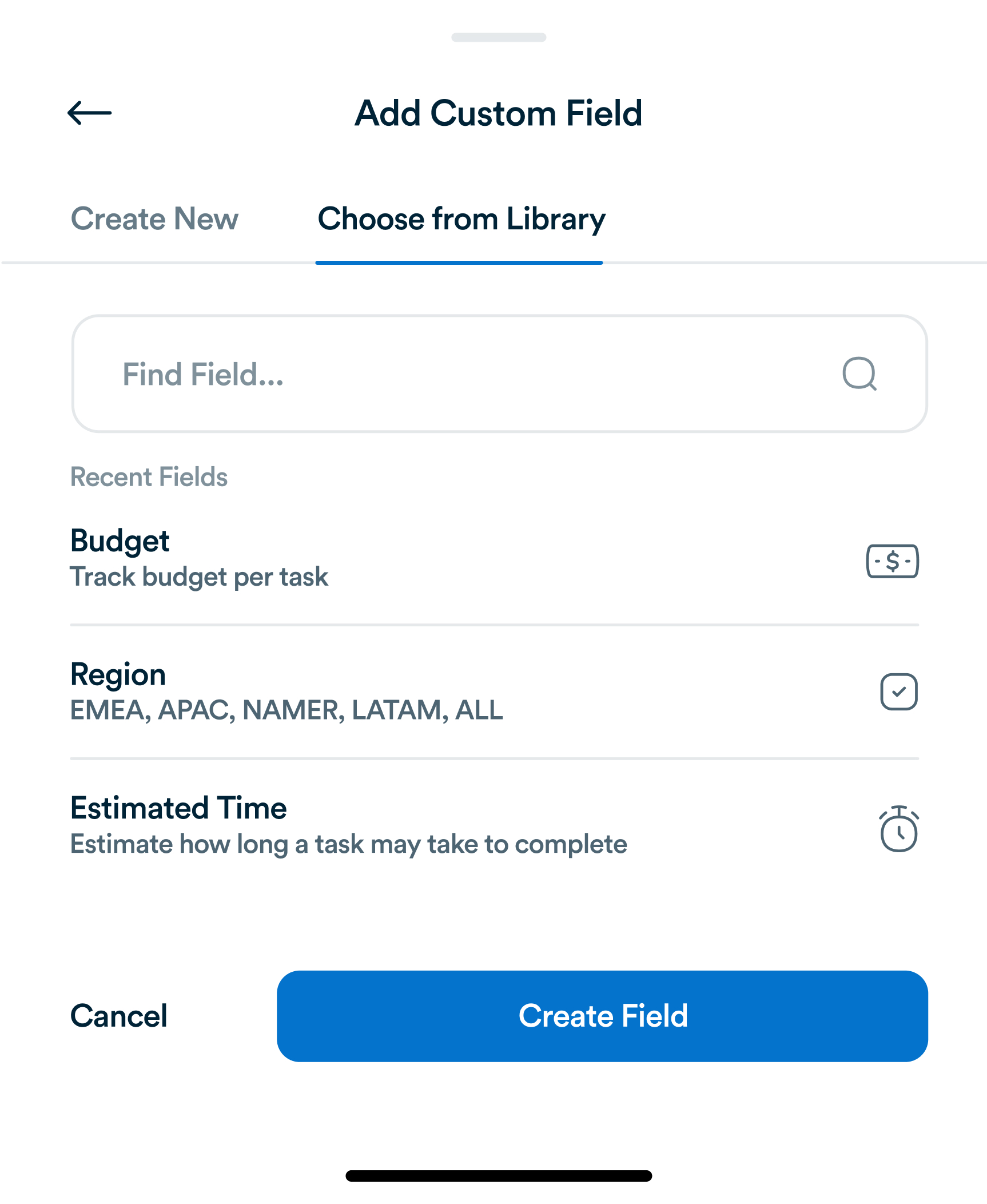
Title, assignee, due date. Most task tools stop there. For most teams, that's not actually enough information to run a project.
Every team faces periods of high pressure, unexpected disruptions, or organizational crises. During these moments, task management becomes critical for maintaining focus, minimizing errors, and ensuring continuity. Effective crisis task management allows teams to adapt quickly, prioritize essential tasks, and communicate clearly. Tools like Workflo provide dashboards, real-time updates, and automation to keep teams aligned even in chaotic situations.

Crisis can occur at any scale—technical failures, personnel shortages, sudden deadlines, or market disruptions. Recognizing the nature and impact of a crisis helps shape task management strategies:
Workflo’s real-time dashboards allow teams to quickly view critical task status and dependencies.

In a crisis, tasks must be prioritized quickly and effectively:
Workflo enables dynamic task prioritization, automatically highlighting high-priority items for team members.

Delegation is critical when time and resources are constrained:
Workflo’s assignment tracking and automated reminders ensure responsibilities are clear and progress visible.

Frequent and clear communication prevents confusion:
Workflo’s real-time update system allows team members to stay synchronized, reducing miscommunication during crises.

Crisis tasks often have interdependencies that must be monitored closely:
Workflo’s dependency tracking ensures that blocked tasks are highlighted and addressed promptly.

Automation reduces the manual burden and speeds up response:
Workflo provides automation features that let teams focus on execution rather than administrative tracking.

Crises can overwhelm team members. Monitoring workload helps prevent burnout:
Workflo provides visual analytics on workload distribution, helping managers make informed adjustments.

After the crisis, a review ensures lessons are learned:
Workflo allows exporting data for analysis and refining task management strategies.

During high-stress periods, morale can dip quickly:
Workflo’s progress tracking and recognition features support positive reinforcement, even under pressure.

Crisis task management is about staying organized, prioritizing correctly, and keeping teams informed and motivated under pressure. By using structured frameworks, real-time communication, and automation tools like Workflo, organizations can navigate chaos effectively, maintain productivity, and learn from each challenging situation. Proper crisis task management ensures continuity, resilience, and team cohesion even in the toughest circumstances.
Title, assignee, due date. Most task tools stop there. For most teams, that's not actually enough information to run a project.
Introduction Hybrid teams, combining remote and onsite employees, present unique task management challenges. Bridging the gap between physical and virtual […]
Introduction Task management has evolved significantly over centuries, from simple to-do lists to sophisticated project management platforms. Understanding the history […]
Organize tasks, collaborate with your team, and track progress, all in one place.