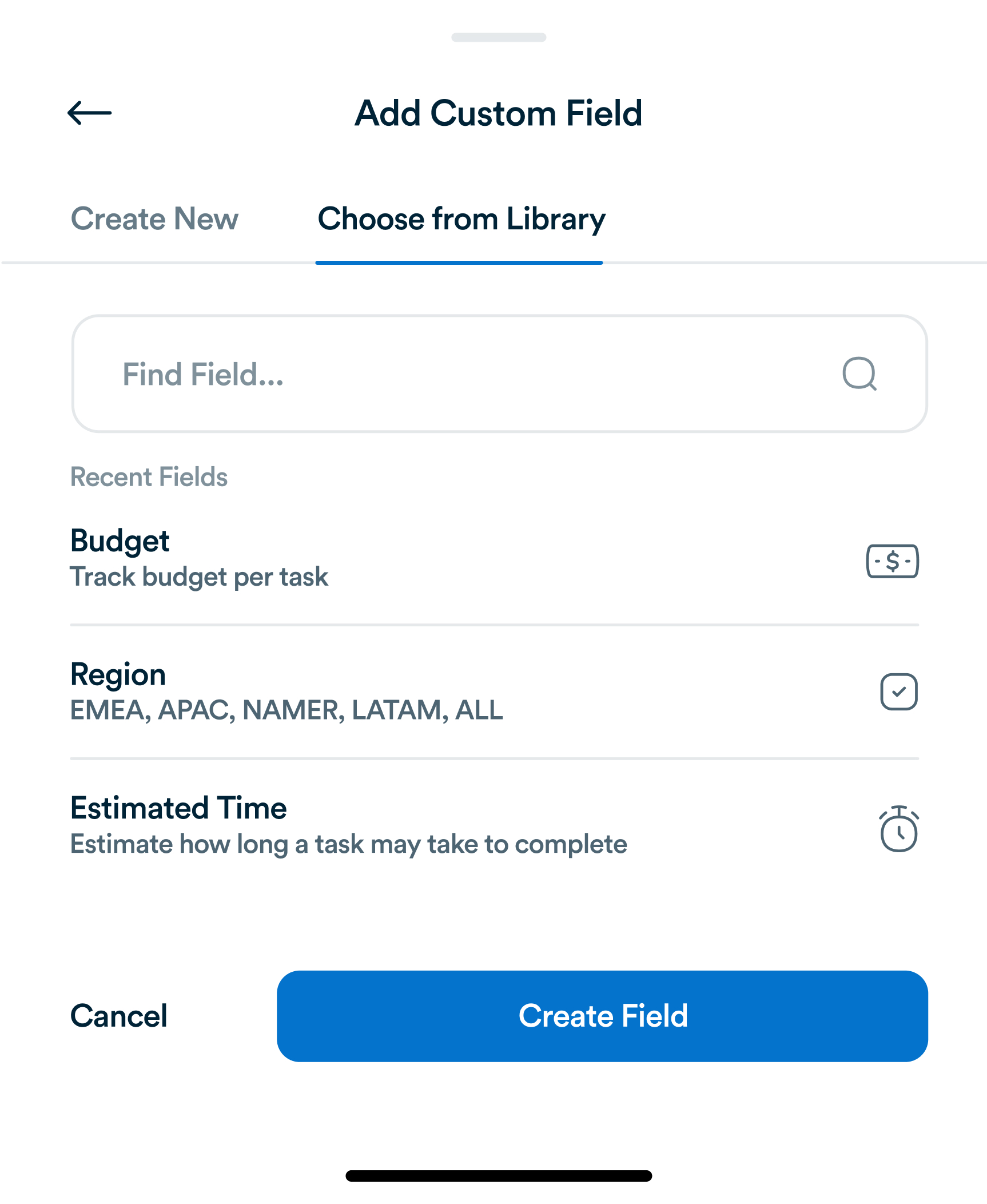
Why Generic Task Fields Aren't Enough, and What to Track Instead
Title, assignee, due date. Most task tools stop there. For most teams, that's not actually enough information to run a project.
Big projects can feel overwhelming, often causing procrastination and low productivity. Microtask mastery is a task management strategy that breaks large tasks into smaller, manageable pieces. This approach allows teams and individuals to make consistent progress, maintain focus, and build momentum. Platforms like Workflo can help implement microtask strategies efficiently by tracking progress, assigning mini-tasks, and automating follow-ups.

Microtasks are the smallest actionable units of work. Instead of thinking of a task as ‘Launch Marketing Campaign’, you break it down into smaller components:
Each microtask is simple, achievable, and trackable, reducing the mental barrier to starting work.

Breaking work into microtasks provides several advantages:
Using Workflo, microtasks can be assigned to team members, prioritized, and tracked in real-time, ensuring accountability and clarity.

Effective microtasking requires strategic breakdown:
Platforms like Workflo provide templates and workflow builders to simplify task decomposition and assignment.

Not all microtasks are equally important. Prioritization ensures high-impact tasks are completed first:
Workflo dashboards allow teams to visualize task priority, progress, and dependencies at a glance.

Microtasks become powerful only when integrated into daily routines:
Workflo’s notifications and task lists ensure microtasks are visible, actionable, and tracked without manual follow-ups.

For teams, microtasks promote accountability and collaboration:
Workflo enables teams to collaborate seamlessly, linking subtasks to overarching projects for clarity and cohesion.

Microtasking provides measurable outcomes:
Workflo Insights offers analytics and visual progress tracking for microtasks, helping teams make data-driven improvements.

While microtasks are powerful, some mistakes can reduce their effectiveness:
Workflo’s workflow templates and automation features help prevent these common pitfalls by enforcing structure and clarity.

As organizations grow, microtasking scales naturally:
Workflo supports scaling by linking microtasks to larger projects, tracking dependencies, and automating status updates.

Microtask mastery transforms overwhelming projects into achievable steps, boosting productivity, focus, and accountability. By strategically breaking tasks, prioritizing effectively, integrating microtasks into daily routines, and leveraging collaborative platforms like Workflo, individuals and teams can maintain momentum, reduce stress, and achieve goals efficiently. Implementing microtasking is a simple but powerful shift that can revolutionize the way work gets done.
Title, assignee, due date. Most task tools stop there. For most teams, that's not actually enough information to run a project.
Introduction Hybrid teams, combining remote and onsite employees, present unique task management challenges. Bridging the gap between physical and virtual […]
Introduction Task management has evolved significantly over centuries, from simple to-do lists to sophisticated project management platforms. Understanding the history […]
Organize tasks, collaborate with your team, and track progress, all in one place.