Why Generic Task Fields Aren't Enough, and What to Track Instead
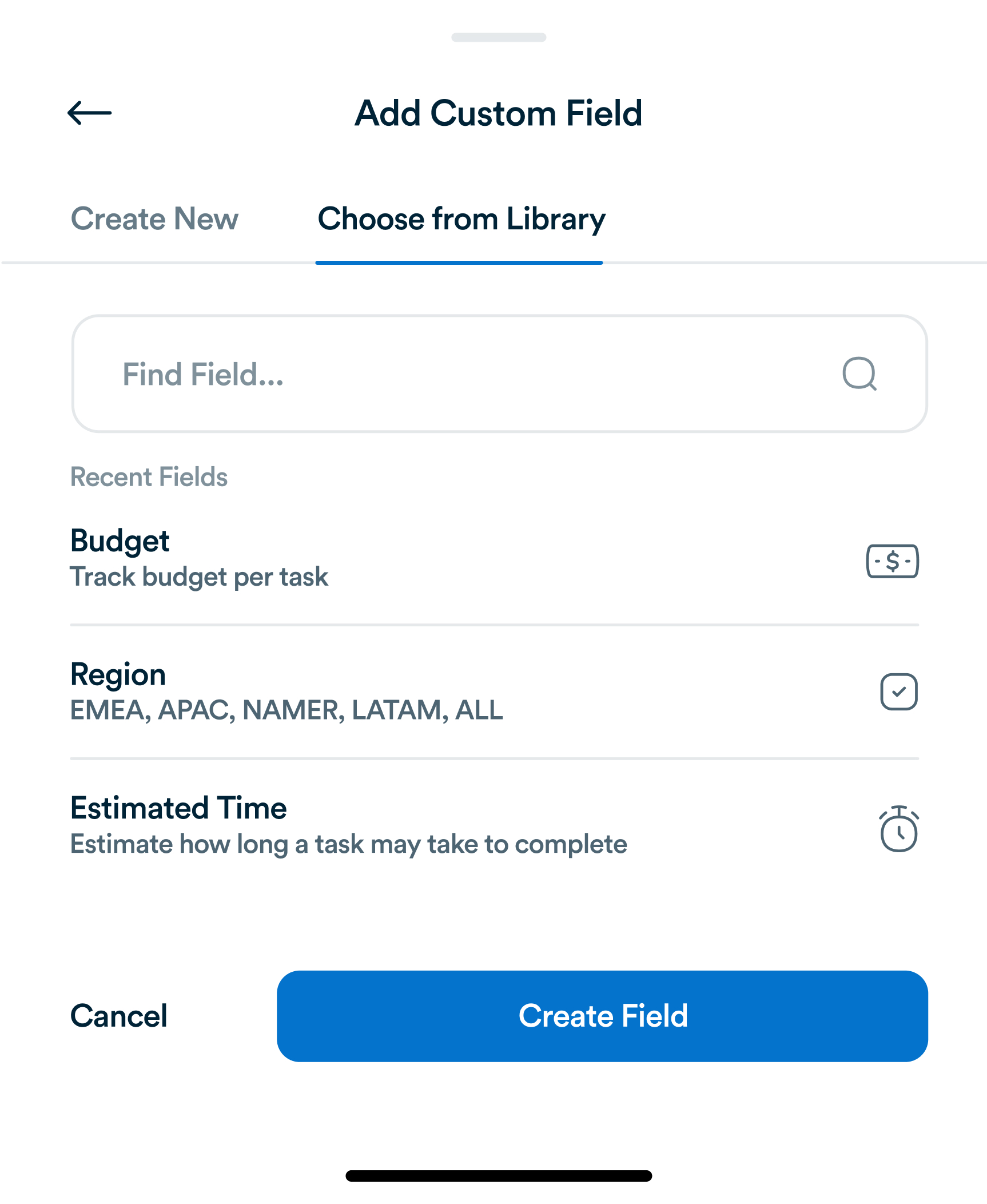
Title, assignee, due date. Most task tools stop there. For most teams, that's not actually enough information to run a project.
In today’s fast-paced world, work doesn’t stop at your desk. Mobile task management allows professionals to stay productive anywhere, whether commuting, traveling, or working remotely. With mobile-first tools like Workflo, tasks, updates, and team collaboration are accessible from smartphones and tablets, ensuring no disruption to workflow.

Mobile access ensures continuity and efficiency:
Workflo’s mobile interface provides full functionality of the desktop platform optimized for on-the-go usage.

Key mobile task features include:
Workflo integrates these features for seamless mobile productivity.

Mobile task management requires smart prioritization:
Workflo provides intuitive mobile dashboards to prioritize tasks efficiently anywhere.

Seamless sync ensures consistency:
Workflo maintains instant synchronization, so team members can trust mobile updates.

Real-time alerts keep users informed:
Workflo’s notification system ensures nothing is overlooked while away from the desk.

Connectivity isn’t always guaranteed:
Workflo allows offline task management to avoid interruptions in workflow.

Teams can collaborate effectively on mobile devices:
Workflo ensures mobile collaboration is as robust as desktop interactions.

Mobile access requires strong security measures:
Workflo maintains enterprise-level security to protect sensitive tasks and communications.

Maximize efficiency with practical tips:
Workflo’s mobile features support these strategies, making on-the-go work less stressful.

Mobile task management empowers professionals to stay productive anywhere. By integrating features like real-time updates, offline access, notifications, and collaboration tools, platforms such as Workflo ensure that work continues seamlessly outside the office. Mobile task management not only improves responsiveness but also enhances team efficiency and ensures that deadlines are met regardless of location.
Title, assignee, due date. Most task tools stop there. For most teams, that's not actually enough information to run a project.
Introduction Hybrid teams, combining remote and onsite employees, present unique task management challenges. Bridging the gap between physical and virtual […]
Introduction Task management has evolved significantly over centuries, from simple to-do lists to sophisticated project management platforms. Understanding the history […]
Organize tasks, collaborate with your team, and track progress, all in one place.