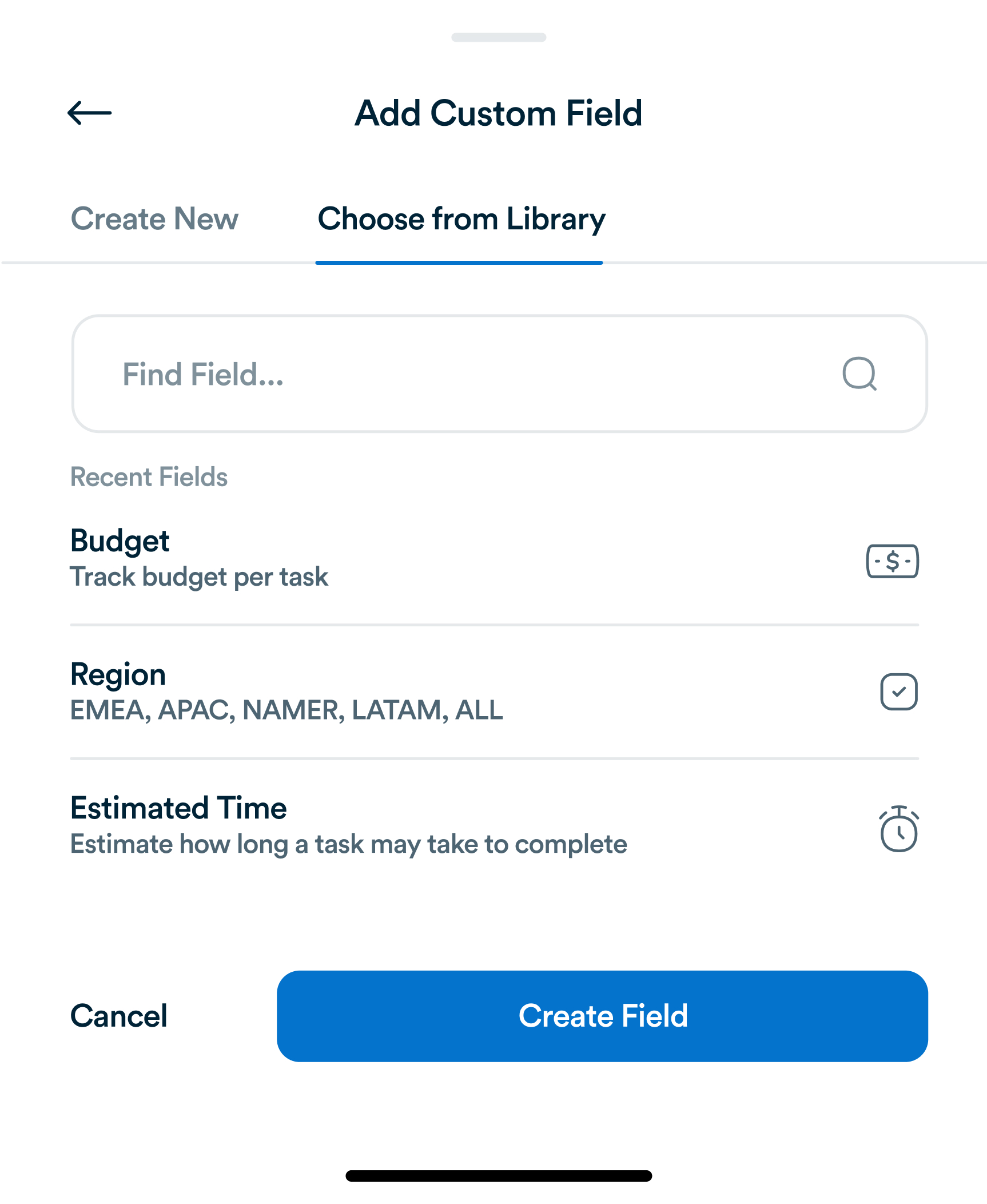
Why Generic Task Fields Aren't Enough, and What to Track Instead
Title, assignee, due date. Most task tools stop there. For most teams, that's not actually enough information to run a project.
Email overload is one of the biggest hidden productivity killers. Messages pile up, urgent tasks get buried, and important deadlines slip through the cracks. Integrating email with task management systems transforms your inbox from a source of stress into a tool for efficiency. Platforms like Workflo allow you to link emails directly to actionable tasks, streamlining communication and ensuring nothing is forgotten.

Many professionals spend hours sifting through emails without clear prioritization. Common issues include:
By integrating email with task management, these problems can be mitigated.

Every actionable email should be converted into a task. Steps include:
Workflo’s email integration automates this process, minimizing manual entry and ensuring tasks are tracked properly.

Once emails are tasks, they need prioritization:
Workflo allows color-coded tags and visual dashboards to prioritize efficiently.

Folders and labels keep your inbox organized:
With Workflo, labels can also be synchronized with tasks for seamless tracking.

Automation reduces repetitive work:
Workflo’s automation ensures that no email-generated task is ever lost.

Monitor your tasks effectively:
Workflo provides real-time progress tracking, reducing the risk of overlooking any task.

Team collaboration becomes simpler when emails become tasks:
Workflo facilitates transparent communication and accountability across the team.

Integration reduces stress by:
With Workflo, you can maintain a zero-inbox mindset while keeping all tasks visible and managed.

Enhance productivity further by:
These strategies ensure your email-task integration stays efficient and organized.

Integrating email with task management transforms how you work, reduces stress, and increases efficiency. By converting actionable emails into tracked tasks, prioritizing them, and using tools like Workflo, professionals and teams can maintain control over their workflow. With a zero-inbox approach, every message becomes meaningful, every task is accounted for, and productivity reaches new heights.
Title, assignee, due date. Most task tools stop there. For most teams, that's not actually enough information to run a project.
Introduction Hybrid teams, combining remote and onsite employees, present unique task management challenges. Bridging the gap between physical and virtual […]
Introduction Task management has evolved significantly over centuries, from simple to-do lists to sophisticated project management platforms. Understanding the history […]
Organize tasks, collaborate with your team, and track progress, all in one place.