
First Login & Dashboard Walkthrough
Introduction
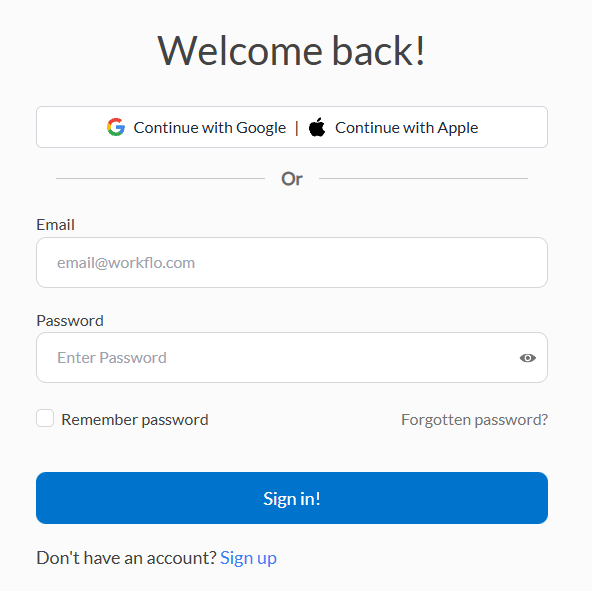
After creating your account, your first login gives you access to the Workflo dashboard, which centralizes all your projects and tasks.
Dashboard Overview
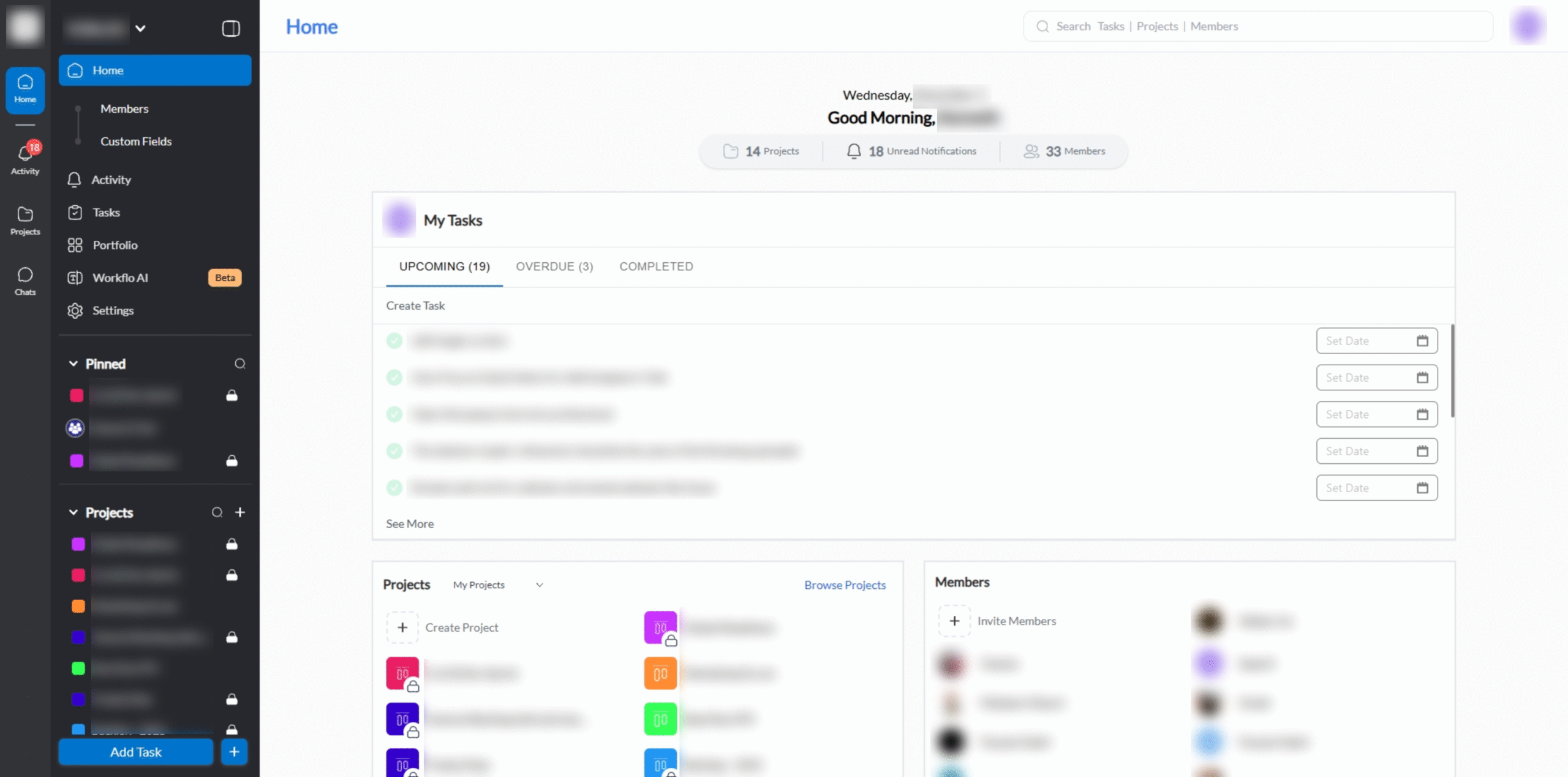
- Sidebar: Quick access to Workspaces, Projects, and Settings.
- Main Panel: Displays tasks, notifications, and activity feed.
- Top Bar: Search, profile, and global notifications.
First-Time Setup
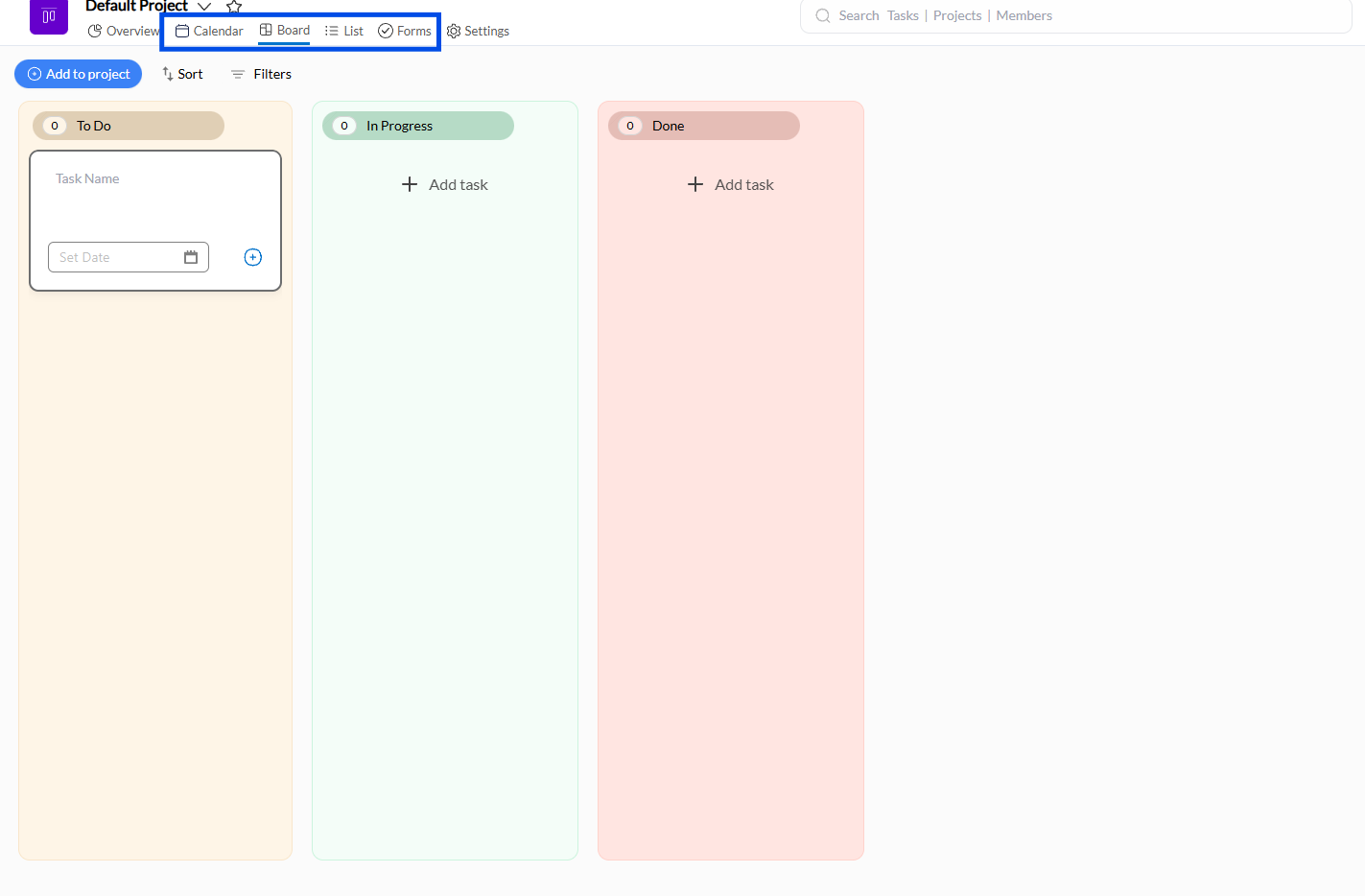
- Explore the default workspace and understand its structure.
- Familiarize yourself with task lists, boards, and project timelines.
- Adjust notification preferences to suit your workflow.
Best Practices
- Start with a single project to avoid overwhelm.
- Check dashboards daily to maintain task awareness.
- Customize dashboard widgets to surface relevant information quickly.